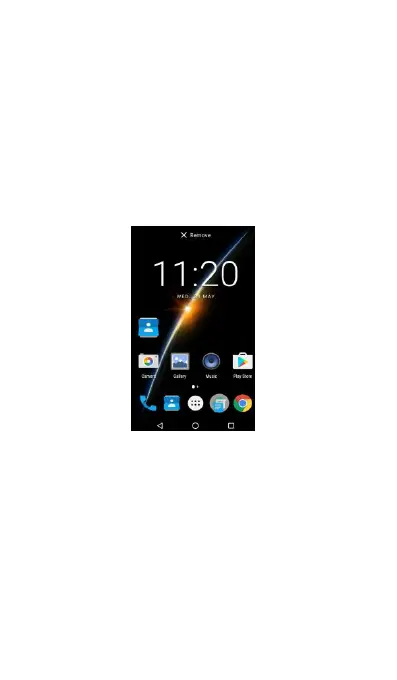
Removing Application icons from your home
When your home screen is full or you are desired to
release more space for new applications on your
home screen, you can choose to remove a certain
application icon from your home screen.
(1) Press and hold the application icon for a few
(2) Drag the application icon to the symbol
(3) Release your fingers.
Adding folders on your Home screen
Use folders to group related applications and other
shortcuts to keep your Home screen tidy and
Creating a new Folder and adding items to it
(4) Drag an application icon on the top of another
icon till the application icons are overlapping.
(5) Release your fingers.
(6) Then, simply Touch the folder to open it so you



 To Next Page