Answering an incoming call
When there is an incoming call, drag this icon
right to this icon to answer the call.
Muting the ringing sound without rejecting the
Press the VOLUME DOWN button.
Rejecting an incoming call
When there is an incoming call, put drag left to this
Rejecting a call and sending a text message
You can automatically send a default text message
to the caller and reject the incoming call.
To reject and send a message when you receive an
incoming call, drag this icon up to this icon
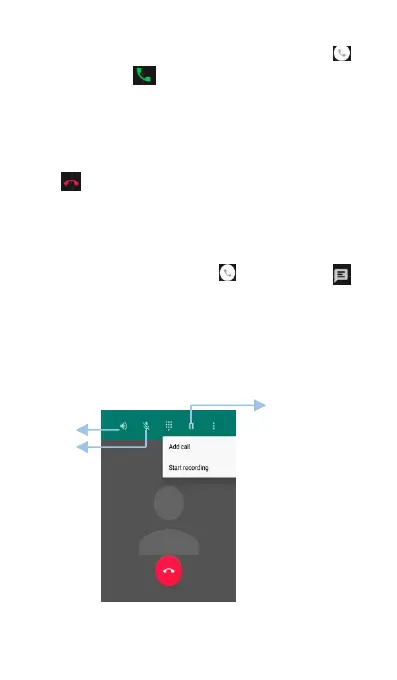
During a call, your phone will display an in-call



 To Next Page