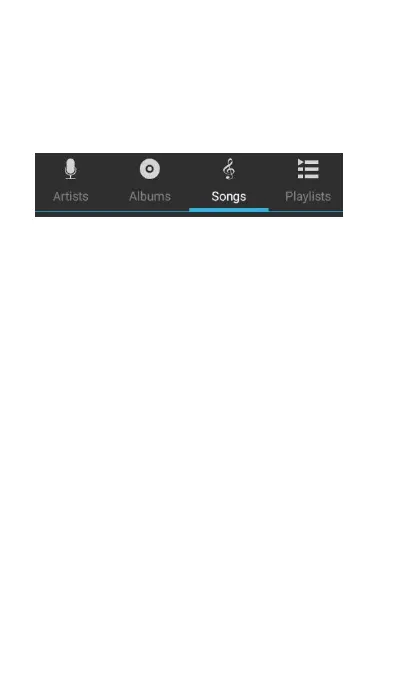
When you enter music screen, there are four
options on top of the screen: Artists, Albums,
Songs, and Playlists. It displays the screen by
default you exited last time. Whatever you choose,
the icon will turn white.
Select an artist; it will display the songs of that artist
below his/ her name. Touch the music to play it and
Open music playing screen. If the screen can’t
display all the artists, drag down to view more
pages.Or you can Touch menu to choose whether
Party shuffle or Shuffle all. Press and hold the
name of an artist, you will get the following options:
(1) Play: Play the songs of that artist directly.
(2) Add to playlist: Add to one of the following
playlists: Current Playlist, New, and Existed
(3) Delete: It will ask you “All songs by XX will be
permanently deleted from the SD card.” Then
Touch OK to confirm deleting while Touch
Cancel will go back to Artists screen.
(4) Search: Choose to search for the artist using
Brower or Music. When choosing to use
Browser, you will search it by using Google
search; when choosing to use Music, you will



 To Next Page