Connecting your phone to a computer
Once you use the USB cable to connect your
phone to a computer, the LED will turn green if the
battery is enough. And battery icon shows the
current battery capacity. It will charge the phone
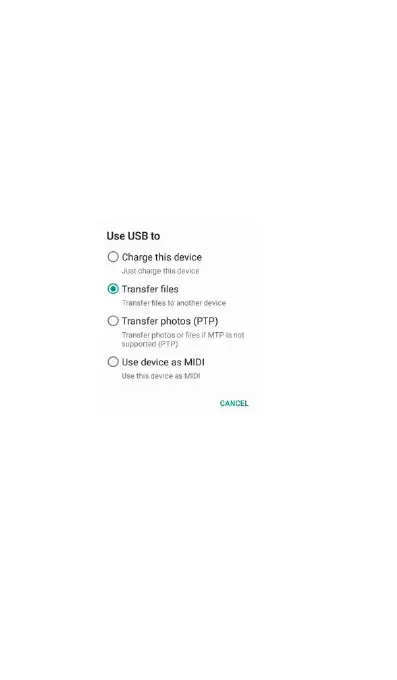
Slide down the status bar, and it displays Charge
this device, Transfer files, Transfer photos (PTP)
When you connect with the PC, your mobile phone
is setting as this mode as default. You can only
charge your phone under this circumstance.
You can transfer data, such as Music, Photos,
Movies, and etc from Internal shared storage and
microSD card. For more information, see
Transferring data between you phone and PC.
You can transfer photos from your internal shared



 To Next Page