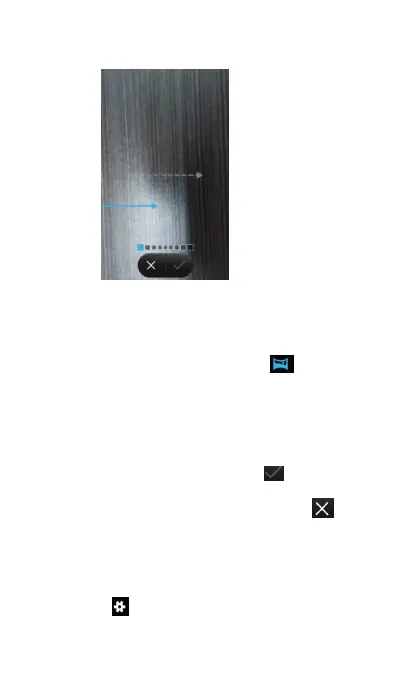
Select Panorama mode to take wide-angle shots.
(1) Select a suitable location and hold your phone
steady. Shoot the image in a wide, open
space and avoid monochromatic
(2) Open Camera, and then touch to start
(3) Follow the onscreen instructions to take the
photo. Slowly move your camera from left to
right, ensuring that the arrow stays level with
(4) After finishing shooting, touch to save the
If you don't want to save the photo, touch to
Camera and Video Settings
To setup camera settings, do as below.
(2) Touch to setup camera corresponding



 To Next Page