on the screen. For example, spread two fingers
apart to zoom in on a picture or web page.
Pinch fingers together: Pinch two fingers
together on the screen. For example, pinch two
fingers together to zoom out on an image.
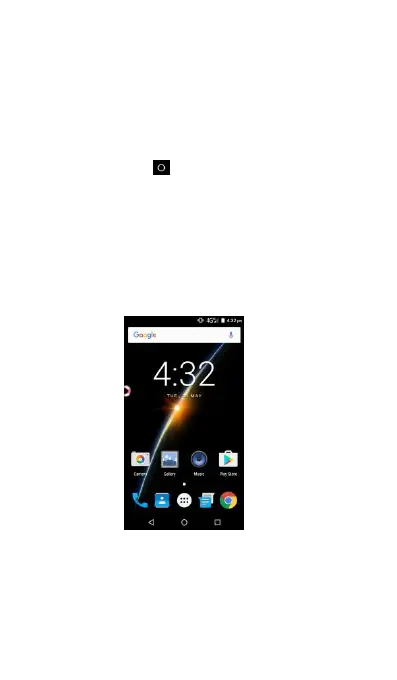
Getting to Know Your Home Screen
Touch Home icon and return to Home Screen.
On the home screen, you have the shortcuts of
Camera, Gallery, Music and Play Store and etc.
Click the appropriate item to open the associated
application. You can also add the items you want,
such as application icons, folders and widgets to
the home screen. For more information, please see
Personalizing your Home screen with widgets.



 To Next Page