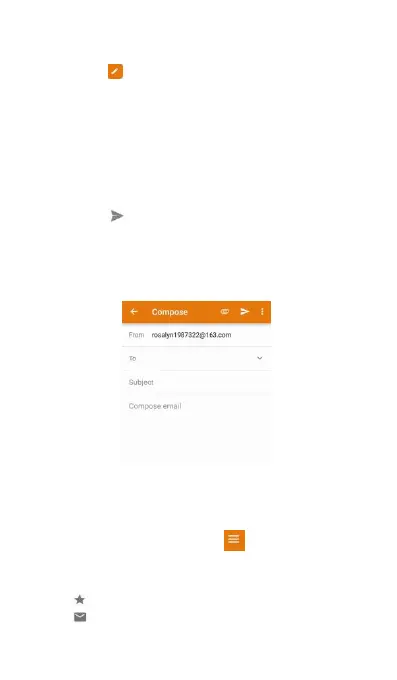
(3) Touch From and then select the email
(4) Enter one or more recipients.
(5) To Cc or Bcc the email to multiple recipients,
(6) Enter your email subject and main body.
Touch to add an attachment.
(7) Touch . Your email is sending.
Your email service provider may place a limit on the
size of email attachments. If your attachments
exceed the limit, send the attachments in separate
Open Email and then swipe down in your Inbox to
refresh the list of emails.
(2) In your Inbox, touch in the upper left
corner to select an account.
Touch to star for future reference.
Touch to check unread email.



 To Next Page