Adding an Exchange account
Exchange is an email system developed by
Microsoft for businesses. Some email service
providers also provide Exchange accounts for
individuals and families. When adding an account,
consult your email service provider if you are
unsure about the account settings.
(2) Enter your email account, touch Manual
(3) Choose Exchange as your account type, then
enter password, touch Next.
(4) Configure an email account manually.
Follow the onscreen instructions to configure your
account. The system will automatically connect to
the server and check the server settings. Once the
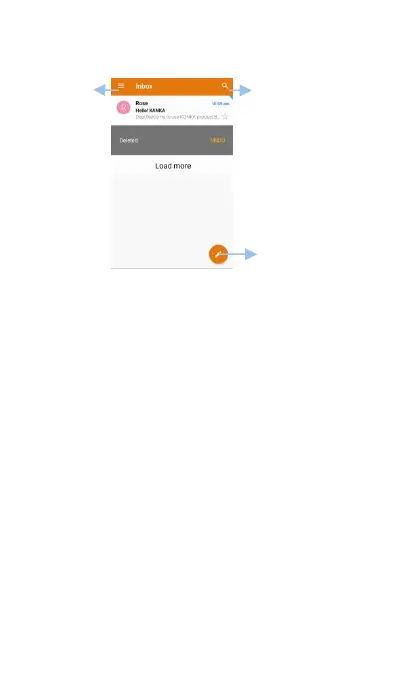
account has been set up, your Inbox will be
results will be displayed



 To Next Page