(3) Select a location to save the contact from the
(4) Input the information of the contact, such as
first name, last name, phone, email, postal
address, organization, more.
(5) Touch . The screen shows “Contact saved.”
Press and hold a few seconds on the contact you
want to delete, then the options screen displays.
Touch to open a list of options, and then touch
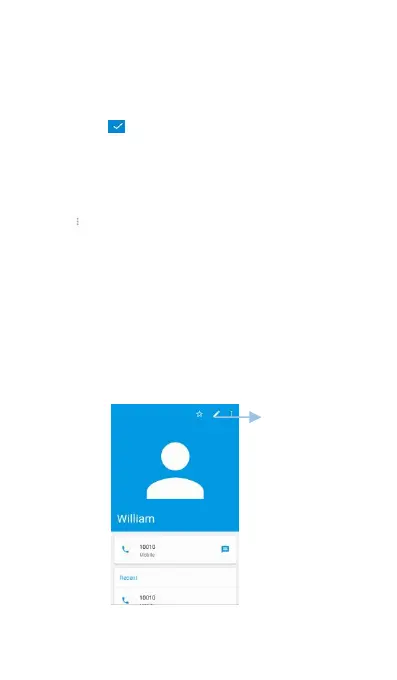
After creating a contact, you can edit their contact
information at any time. This includes adding or
deleting default information such as phone
numbers or email addresses. You can also choose
a custom ringtone and add a birthday, nickname, or



 To Next Page