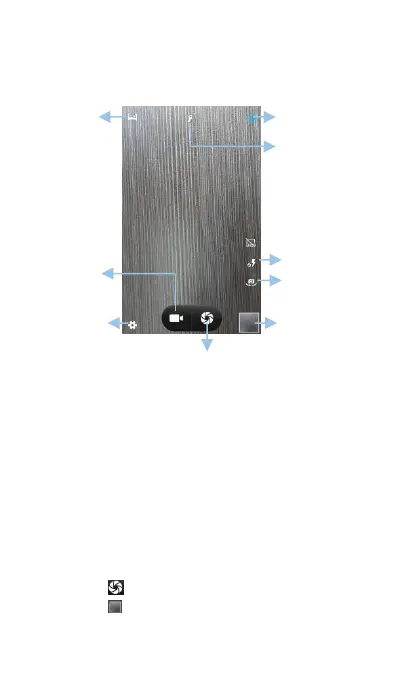
Open Camera to access the viewfinder. The
camera displays in landscape view only.
Your phone comes with a feature-packed camera
that you can use to capture life's unforgettable
(2) Frame the scene you want to capture, the
camera will focus automatically. 3. Touch any
part of the viewfinder to focus on the
corresponding area and at the same time, to
take a photo. To adjust the focal length, pinch
two fingers together or spread them apart on
(3) Touch to take a photo.
(4) Touch the thumbnail to view a photo and



 To Next Page