(5) Touch to end countdown.
(6) Touch to delete this countdown log.
FM Radio lets you listen to FM radio stations on
You need to connect a headset first to the
headphone jack of your phone to use FM Radio.
FM Radio uses the stereo headset as the FM radio
antenna, if you don’t connect a headset and open
FM Radio Application, the screen will appears “To
start listening, plug in headphones...”After you
plugged the headset, the headset icon
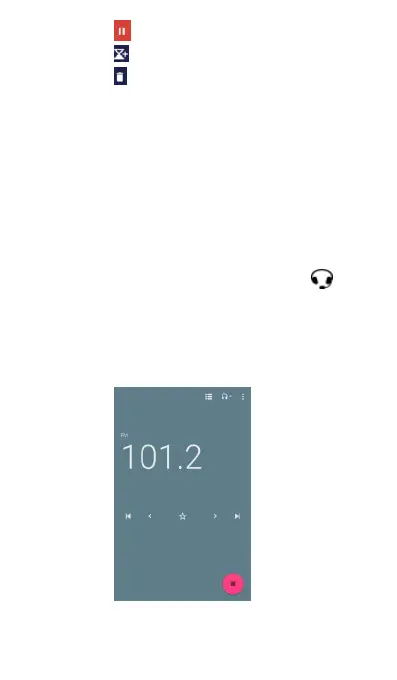
Below is FM radio screen.
(2) The number on the left shows the FM radio



 To Next Page