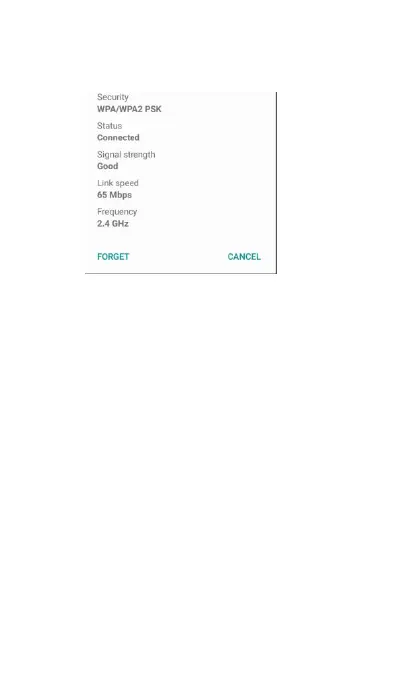
need to enter the settings again if you want to
connect to this wireless network.
The message box is as following:
Connecting to a Virtual Private Network
From your phone, you can add, set up, and
manage virtual private networks (VPNs) that allow
you to connect and access resources inside a
secured local network, such as your corporate
Preparing your phone for VPN connection
Depending on the type of VPN you are using at
work, you may be required to enter your login
credentials and/or install security certificates before
you can connect to your company's local network.
You can get this information from your network
Also, your phone must first establish a Wi-Fi or data
connection before you can initiate a VPN
You need to set up a lock screen PIN or password
before you can use credential storage. You can:



 To Next Page