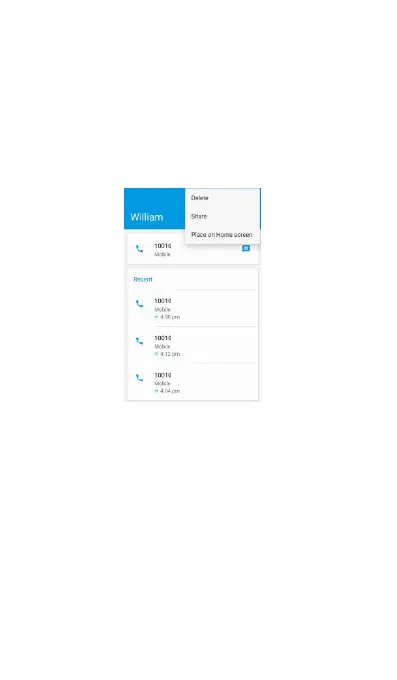
(2) Touch the profile icon of a name or
number in the list to display the options menu
where you can select to view the contact
information (if the number is stored in your contacts
list), call the number, edit the number before call,
send text message, add to contacts, or delete from
(i.e. William is in your contact list)
(1) Press and hold any call log number, if the
number is not in your contact list, you’ll find the
You can copy the number and paste and share the
number to anyone you want.
Edit number before call
Choose this, you will go into the phone screen, and
you can edit the number before calling.
Choose this, you will never receive any call from



 To Next Page