and then select Slideshow.
Viewing photos in full-screen mode
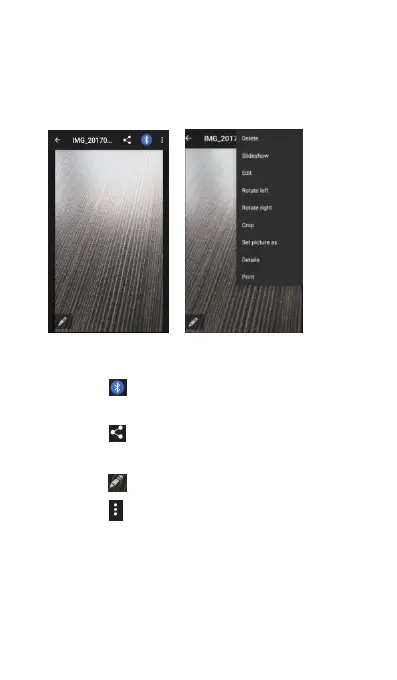
Open Gallery and then touch an image to view it in
full-screen mode. Touch the screen to display or
Touch an image, you can see:
(1) Touch to share the selected photo to other
(2) Touch to share the selected photo via
Email, Messaging, and more.
(3) Touch to edit the selected photo.
(4) Touch to Delete, view via slideshow, Edit,
Rotate, Crop, Set picture as Contact photo,
Wallpaper, view Details of the picture and
Zoom or in out: Spread two fingers apart to zoom in
or pinch two fingers together to zoom out.



 To Next Page