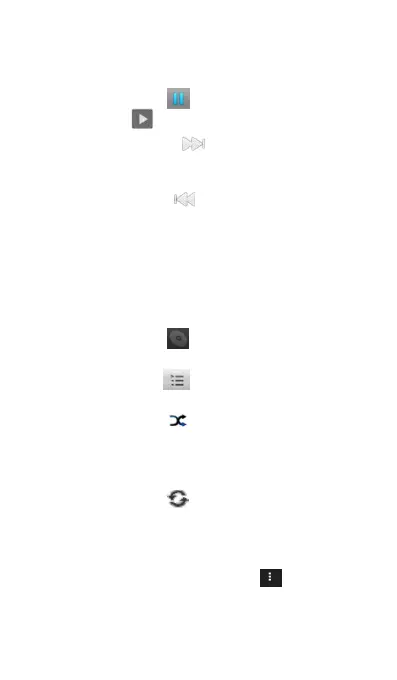
Use the onscreen controls to control music playing,
pause, fast-forward, backwards, repeat songs, and
(1) Touch this icon to play music.
(2) Touch this to pause it.
(3) Touch this icon to play the next song;
press and hold it for seconds to fast-forward
(4) Touch this icon to play the previous song;
press and hold it for seconds to backwards
(5) This progress bar indicates the progress of
the song, press and drag your finger across
the progress bar to jump to any part of the
(6) Below this icon , it shows the artist, album,
(7) Press this icon l back to the Library, you
can Touch any other song and play it.
(8) Press this icon will turn on or off shuffle.
When the button is gray, Touch it will turn
shuffle on while when the button is green,
Touch it will turn shuffle off.
(9) Press this icon to turn on or off repeating.
When the button is gray, Touch it to repeat
the current song when the button is green,
and touch it to turn off the repeat.
On music playing screen, touch on the right
upper corner to get the following options:
(1) Library: Choose it to go directly into the



 To Next Page