27
Operating Instructions 10/2020 2010045v10
7.1.2 Custom wallpaper and screensaver
When this option is selected, a customized free
background image is displayed instead of the
standard background image. This image must be
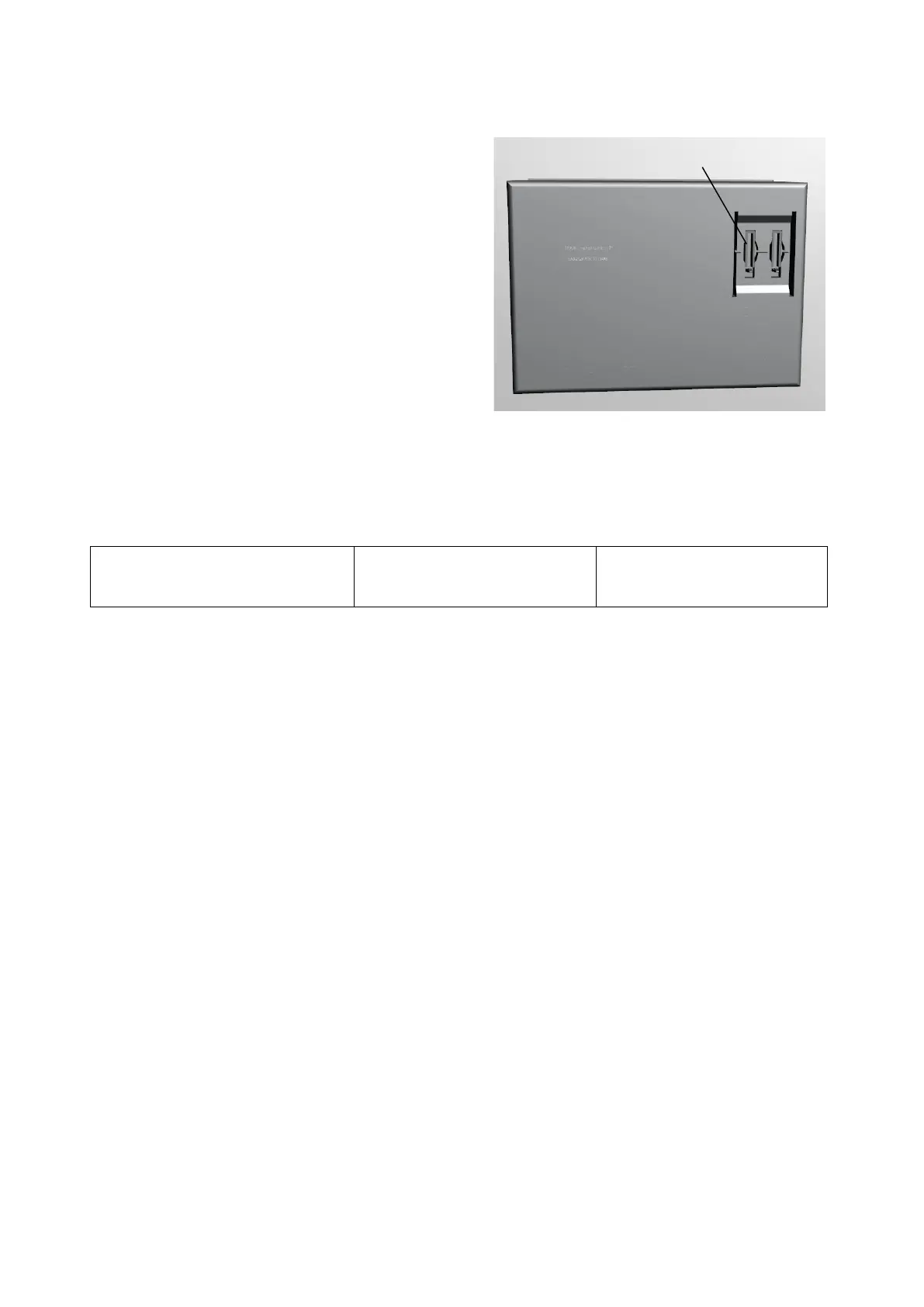
in PDF format and located on an SD card in the
"Customer" folder. The file name must be
"Background.pdf" (i.e.:
"/Customer/Background.pdf").
The background image and the screen saver must be in PDF format (PDF version 1.7 or higher according to
ISO 32000-1: 2008).
Display resolution:
800 x 480 Pixel (Portrait)
Wallpaper:
800 x 480 Pixel
Screen saver:
800 x 480 Pixel
Only one page is expected in the file for the background image. Several pages can be created in the file for
the screen saver.
The following naming scheme for file names on the SD card must be observed
Background image: /Customer/Background.pdf
Screensaver: /Customer/Screensaver.pdf
7.1.3 Maximum feed-in power
Set the maximum feed-in power to the real connected load. If you specify a higher power than available, the
fuses in the supply branch may blow.
7.1.4 Screensaver mode
You can select the following screensaver modes:
• NO screensaver
• PDF (also multi-page, SD card/Customer/Screensaver.pdf)
• Display illumination off
7.1.5 Night mode
You can select the following night modes:
• Normal (like Screensaver Mode)
• Display illumination off
• Display illumination off, LEDs off
Fig 28: Position of the customer SD card slot ①


 To Next Page