KTM POWERPACK, BATTERY CHARGER 17
115
C00769-11
–
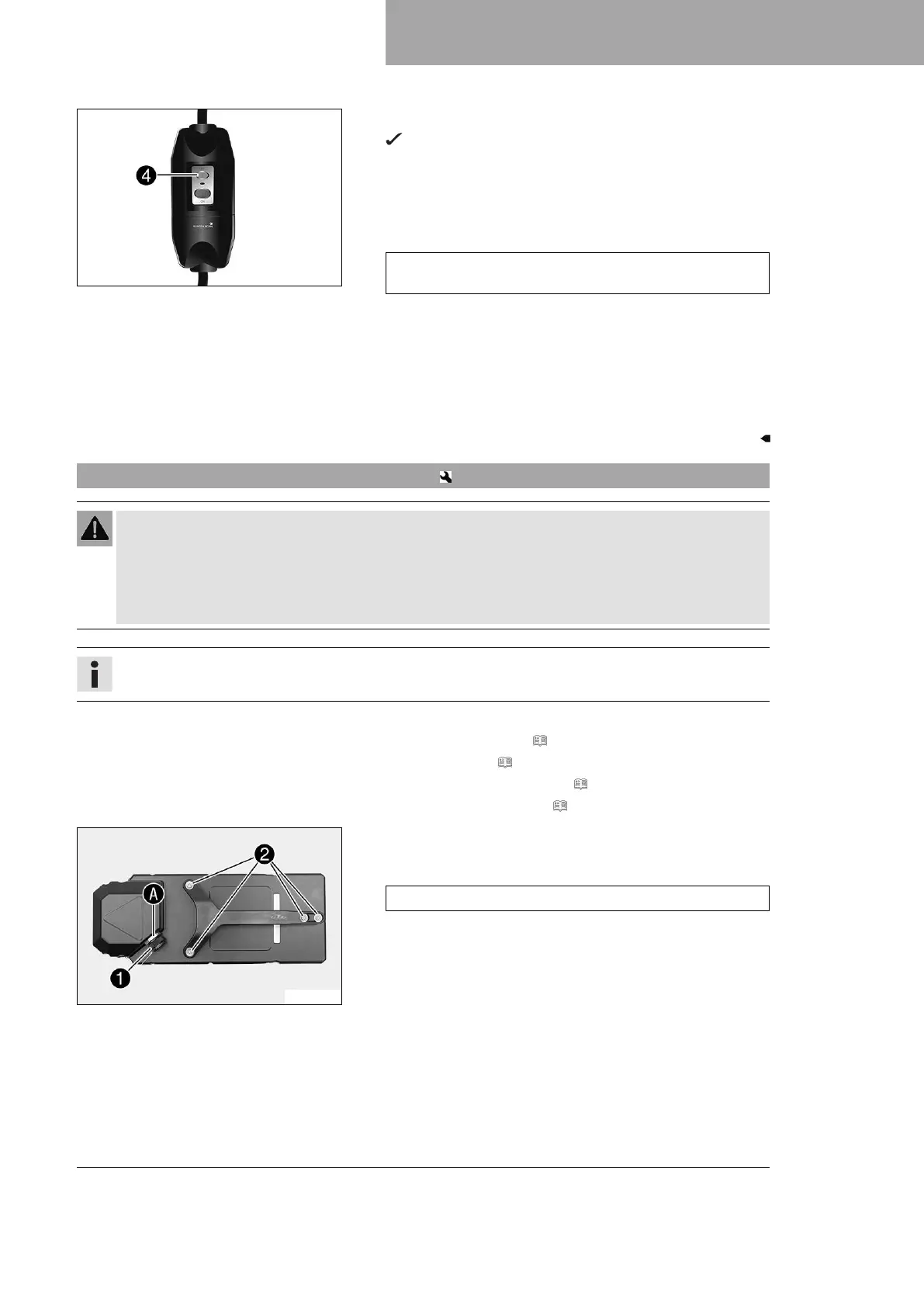
Switch off the battery charger using switch
4
.
After several seconds, all LEDs on the battery charger go
out.
– Disconnect the battery charger power plug from the mains con-
nection.
– Disconnect the charging cable from the KTM PowerPack.
Guideline
Pull on the structured part of the connector. Do not pull on
the cable.
– Check the seal on the charging socket protection cap.
» If the seal is dirty:
– Clean the seal without using water or compressed air.
» If the seal is damaged or worn:
– Change the seal.
– Mount the charging socket protection cap.
17.8 Changing charging socket protection cap
Warning
Risk of injury There is a risk of electric shock when working on high-voltage components.
Work on high-voltage components requires special training, qualifications and tools.
– Have all work that is not described and explained performed by trained KTM mechanics only.
– Do not open the electric motor or the lithium-ion battery (KTM PowerPack).
Info
If the safety cord or seal ring is damaged or torn off, the charging socket protection cap must be replaced.
Preparatory work
– Deactivate the vehicle. ( p. 43)
– Fold the seat up. ( p. 69)
– Remove the KTM PowerPack. ( p. 107)
– Mount the protection cap. ( p. 71)
M00743-10
Main work
–
Remove
1
charging socket protection cap.
Guideline
Do not loosen
A
nut.
– Remove residual safety cord.
–
Remove screws
2
.
– Take off the carry handle.





 To Next Page