OBD & Battery Analysis Scanner
- 11 -
Charging System and Ripple Test
1. Connect the clamp to the battery
after the engine starts. Red clip
connects positive (+) terminal and
black clip connects negative (-).
2. Use the Up/Down button to select
Charging Test, then press OK.
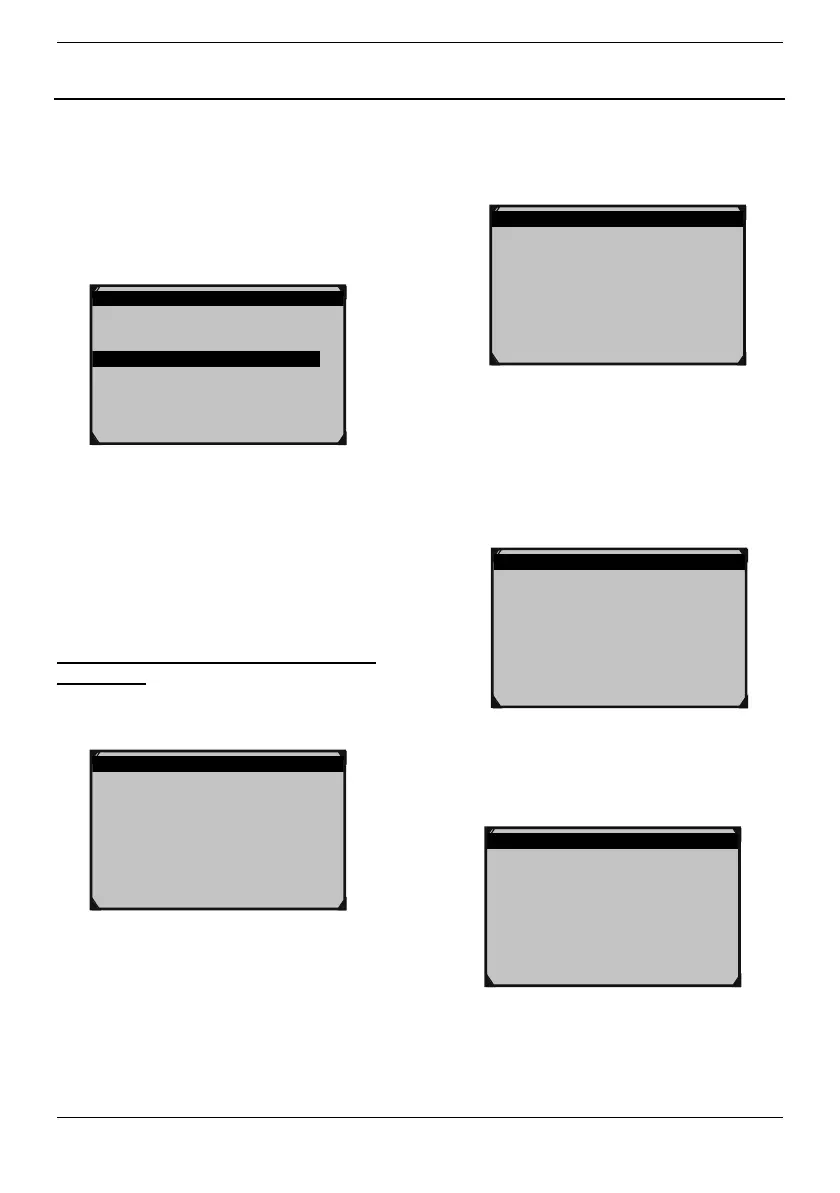
Battery Test 3/3
1.Battery Test
2.Cranking Test
3.Charging Test
Figure26
NOTE: Do not shut down the engine
during the test. All electrical appliance
and device are in OFF state. Turn on/off
any electrical appliance in the vehicle
during the test will affect the accuracy of
the test result.
Tester will do the following tests in a
sequence:
3. Ripple Test:
Ripple Test
_______________________
0mV 11.97V
Figure27
For ripple test, tester will display the real
time ripple and meanwhile, shows ripple
volt and charging volt values at the
bottom line. It takes approx. 6 seconds
for the rippletest.
4.
After the ripple test, tester will
automatically start the loaded
voltage test. It takes 3 seconds.
Charging Test
Loaded Testing
***
Figure28
5.
Operate accordingly :
1) Increase the engine rotating
speed to 2500turns;
2) Keep for 5 seconds.
3) Press OK to continue.
Charging Test
1.Increasing RMP to 2500 r/min.
2.And keep it 5 seconds.
3.Press OK to continue.
Figure29
6.
The instrument will automatically
start unloaded test.
Charging Test
Unloaded Testing
***



 To Next Page