OBD & Battery Analysis Scanner
- 44 -
Update
This function allows you to update the Scan Tool software and DTC library through a computer.
1.
Download the driver from the internet:
1)
Go to www.kzyee.com
2)
Search for KM301
3)
Download Installsoftware
4)
Download Update Software (if there is an update available)
5)
Open Update Instructions PDF
6)
Follow instructions
2.
Connect the Scan Tool to the computer with the supplied USB Cable.
3.
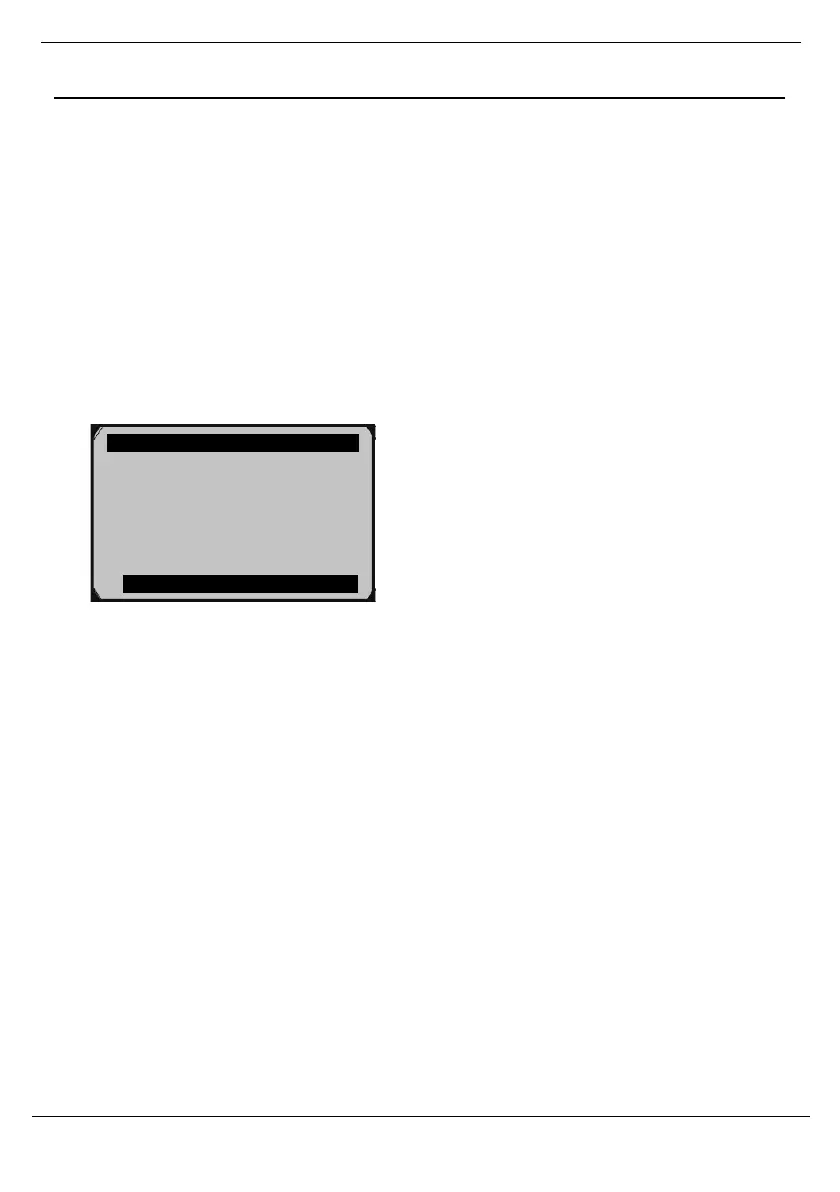
From System Setup, use the Up/Down button to select Update Mode, then press OK.
Figure 132
4.
Follow instructions on the Scan Tool and the computer.
System Setup 7/7
Language
Configure Monitors ?
Unit of Measure
Key Beep Set
Status Beep Set
Tool Self-test
Update Mode



 To Next Page