OBD & Battery Analysis Scanner
- 22 -
Setup
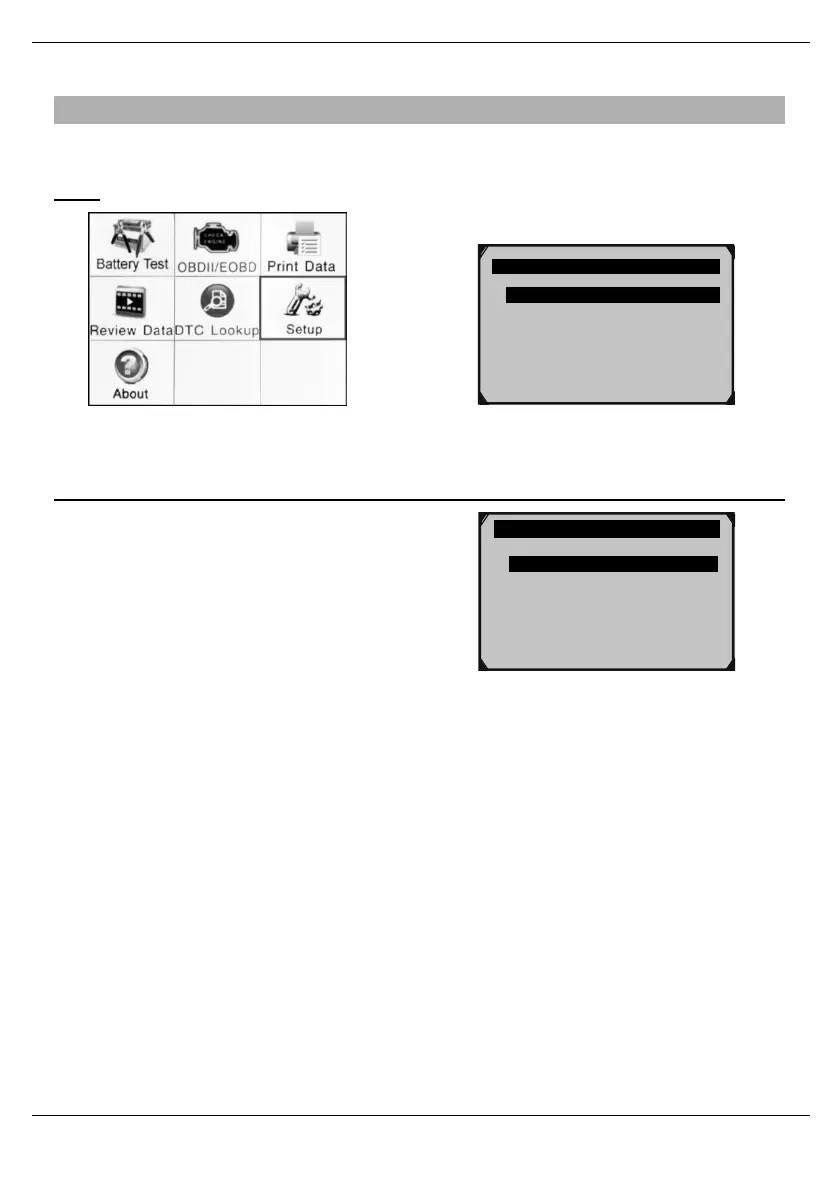
From the Main Menu, use the Up/ Down/ Left/ Right button to select Setup, then press OK.
Note: Setup is not required to operate the Scan Tool.
System Setup 1/7
Language
Configure Monitors ?
Unit of Measure
Key Beep Set
Status Beep Set
Tool Self-test
Update Mode
Set Language
1.
From System Setup, use the Up/Down
button to select Language, then press
OK.
2.
Select desired language, then press OK.
Figure53
o English
o Español
?
o
Français



 To Next Page