OBD & Battery Analysis Scanner
- 31 -
View Live PID Data
This function allows viewing of one frame
of data only, for multiple frame viewing, see
“Record Live PID Data” on page 33.
This section contains advancedfunctions.
Some of the data may need to be
interpreted by a qualified technician.
1.
From Diagnostic Menu, use theUp/
Down button to select Live Data,
then press OK.
2.
From Live Data, use
the Up/ Down button to
select View Data, then
press OK.
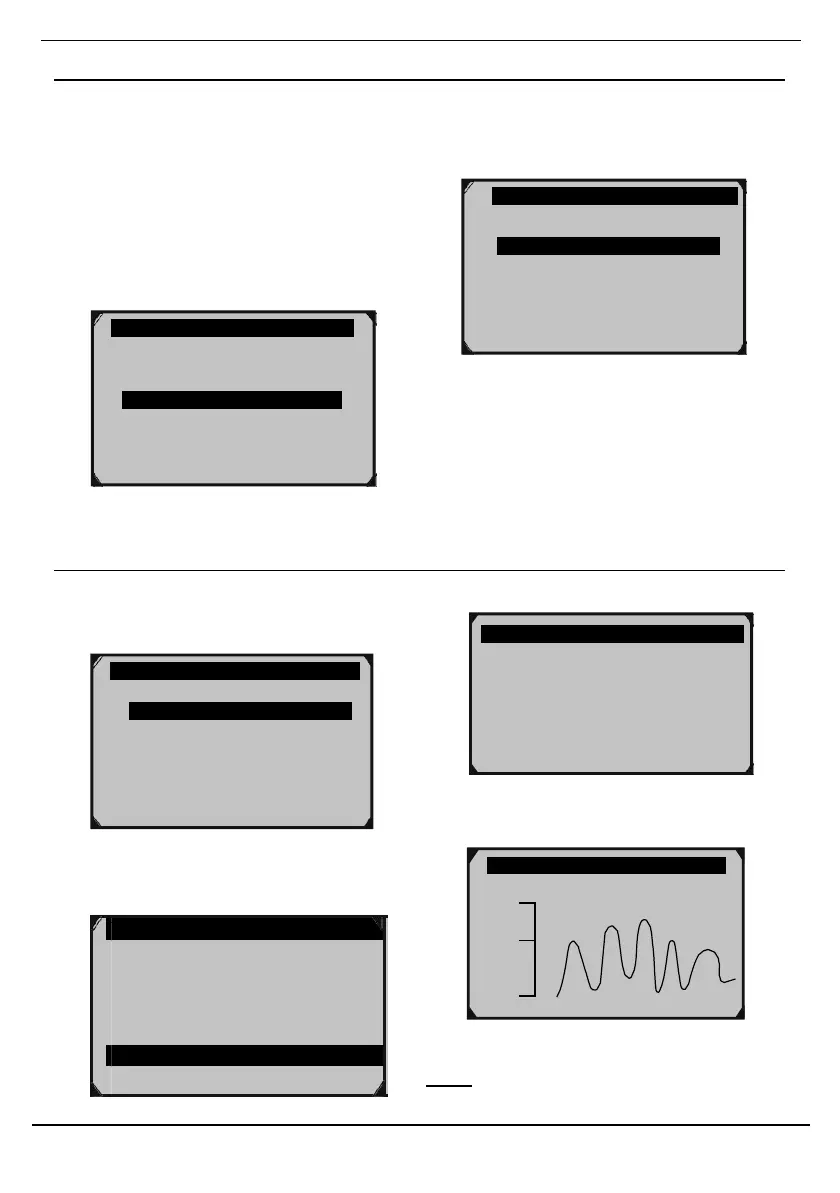
Figure 77
Figure 76
Complete Data Set - View All PIDs
1.
From View Data, use the Up/ Down
button to select Complete Data Set,
then press OK.
3. Press ? to view the PID’s full name.
Figure 80
Figure 78
2.
View all PIDs and their parameters
using the Up and Down Buttons.
FUELSYS1
FUELSYS2
LOAD_PCT (%)
4. Press OK to view a graph, if available.
Figure 81
Note: If necessary, have a qualified
technician interpret the data.
Diagnostic Menu 3/11
Read Codes
Erase Codes
Live Data ?
View Freeze Frame
I/M Readiness
02 Monitor
Test
On-Board Mon. Test
SHRTFT1
Short Term Fuel Trim Bank 1
V i e w Data
R e c o r d Data
Playback Data
?
Complete Data Set
Custom Data Set
Unit of Measure ?



 To Next Page