OBD & Battery Analysis Scanner
- 32 -
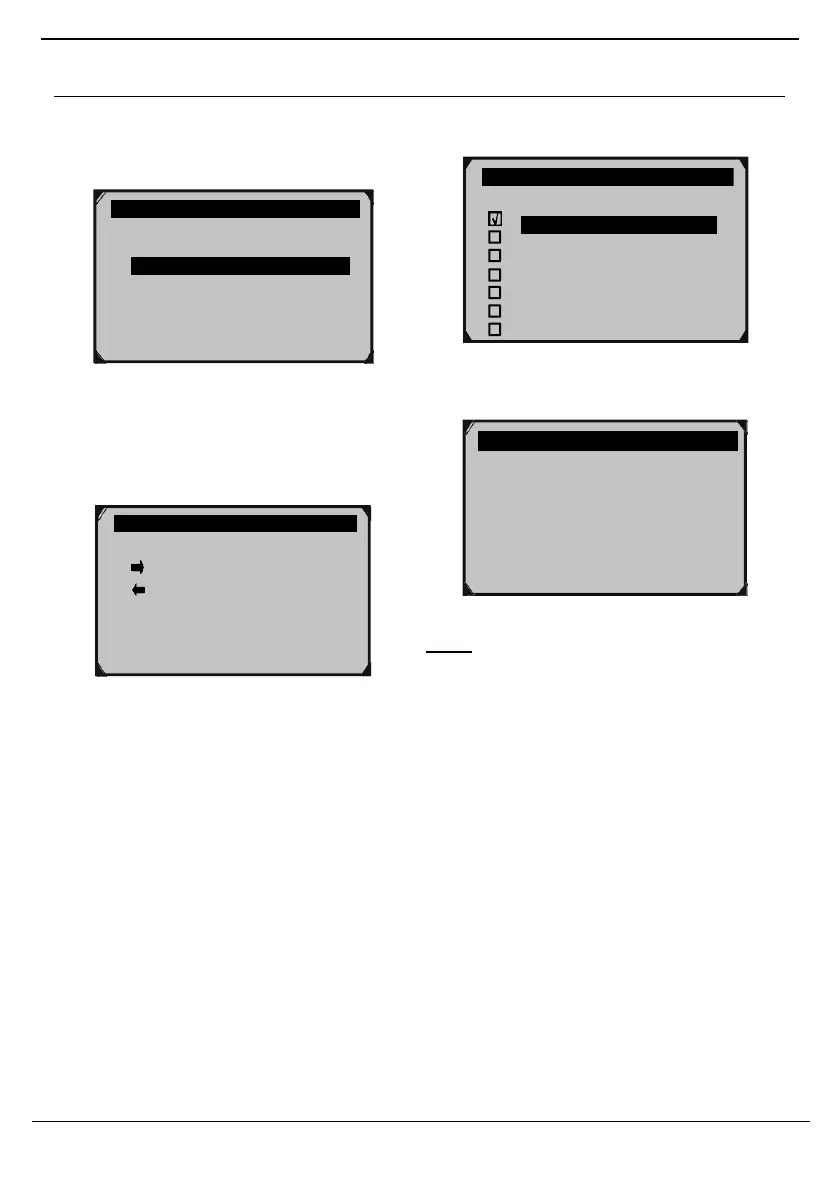
Custom Data Set - View Selected PIDs
1. From View Data, use the Up/ Down
button to select Custom Data Set,
then press OK.
Figure 82
2. Custom Data Set screen shows
which buttons can be used to
select/deselect PIDs. Press any
button to move to the next screen.
Figure 84
4. Press OK to view selected PIDs.
Figure 85
Note: If necessary, have a qualified
technician Interpret the data.
Custom Data Set
[ ] – Select/Deselect
[ ] – Select/Deselect all
[OK] – Confirm
[ESC] – Cancel
Press any key to con.
√
DTC_CNT
FUELSYS1
FUELSYS2
LOAD_PCT
ECT
SHRTFT1
LONGFTI
Complete Data Set
Custom Data Set
Unit of Measure ?



 To Next Page