OBD & Battery Analysis Scanner
- 43 -
Review Data - Mode $01 - Current Powertrain Diagnostic Data
View data from the last recorded test.
Note: Not all vehicles return the same
data, results may vary from the examples
given herein.
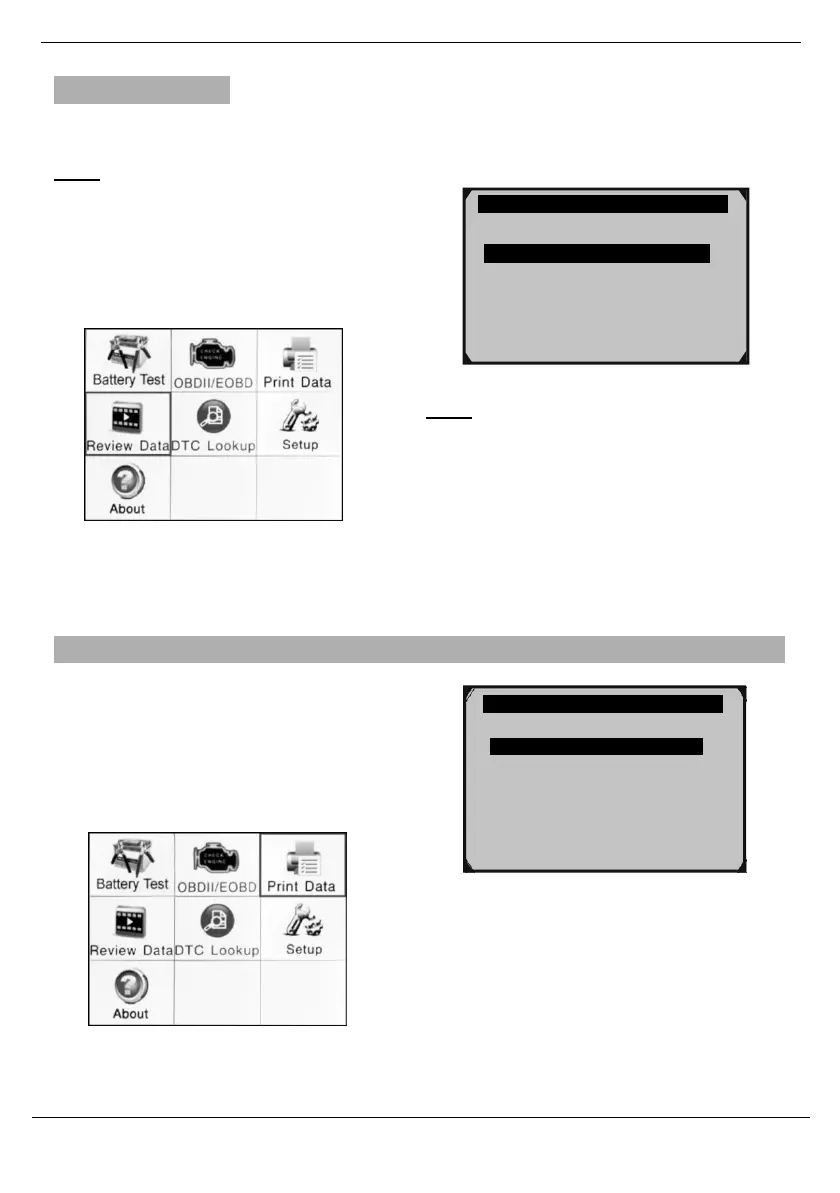
From the Main Menu, use the Up/ Down/
Left/ Right button to select
Review Data, then press OK.
1. Select and view data as needed.
Figure 129
Note: If necessary, have a qualified
technician Interpret the data.
Figure 128 Main Menu
Print Data
1.
Connect the Scan Toolto the computer
with the supplied USB Cable.
2.
From the Main Menu, use theUp/
Down/ Left/ Right button to select
Print Data, then press OK.
Figure 131
3.
Follow instructions on the
Scan Tool and thecomputer.
Figure 130 Main Menu
Live Data
I/M Readiness
Modules Present
Stored Codes
Pending Codes
Live Data ?
Freeze Frame
I/M Readiness
O2 Sensor Test
Print All Data



 To Next Page