OBD & Battery Analysis Scanner
- 41 -
View vehicle information, such as
VIN, Calibration ID, and CVN.
Note: Not all vehicles return the same
data, results may vary from the examples
given herein.
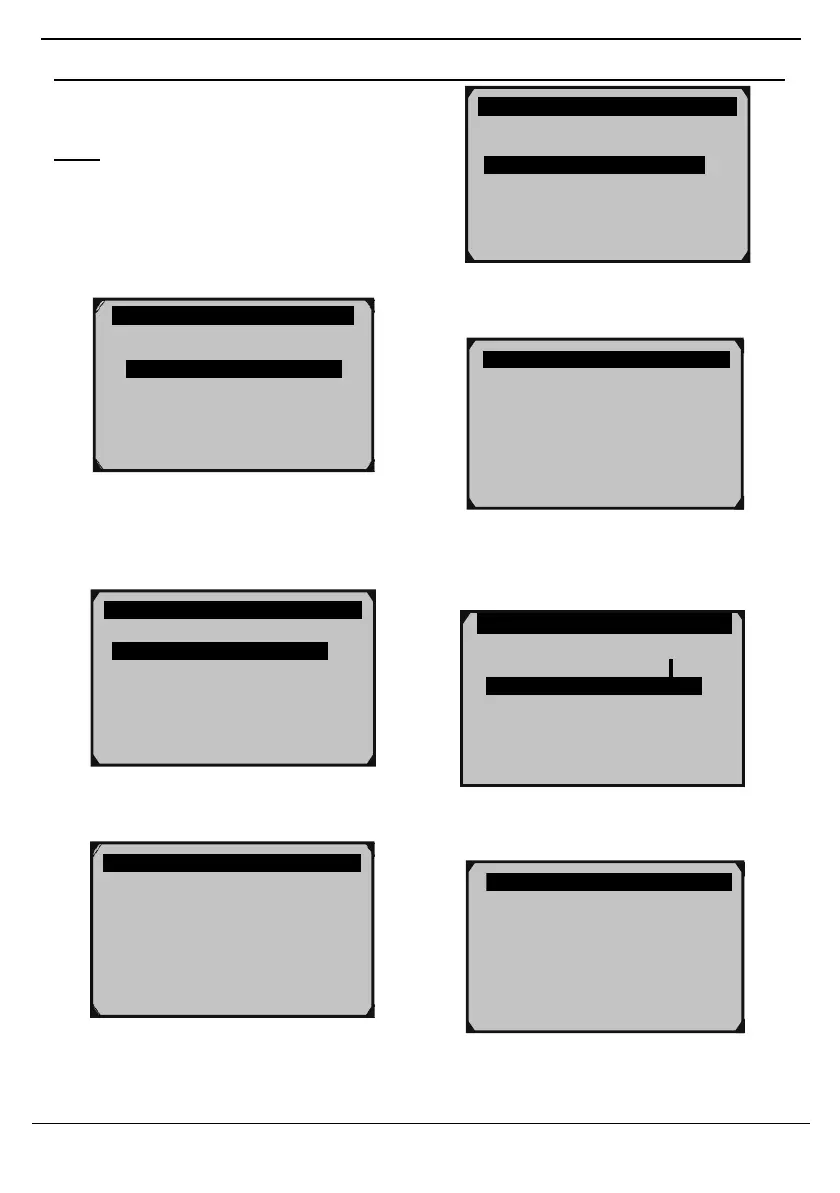
1. From Diagnostic Menu, use theUp/
Down button to select Vehicle Info.,
Vehicle ID Number
Calibration ID
Cal. Verf. Number
Mode $09 Vehicle Information
Figure 122
5. View Calibration ID information.
Figure 119
2.
From Vehicle Info., use the Up/
Down button to select Vehicle ID
Number, then press OK.
Vehicle ID Number
Calibration ID
Cal. Verf. Number
Figure 120
3.
View Vehicle ID Number.
Figure 123
6.
From Vehicle Info., use the Up/ Down
button to select Cal. Verf. Number,
then press OK.
Vehicle ID Number
Calibration ID
Cal. Verf. Number
Figure 124
7.
View CVN information.
Vehicle ID Number
VIN: LSVGU49JX92545482
Figure 121
4. From Vehicle Info., use the Up/ Down
button to select Calibration ID, then
press OK.
Diagnostic Menu 9/11
Component Test
Vehicle Info.
Modules Present
Unit of Measure
Calibration ID
Cal ID: 03C906057DD 3886



 To Next Page