OBD & Battery Analysis Scanner
- 27 -
Diagnostic Test Modes
CAUTION: Do not connect or
disconnect the Scan Tool while the
ignition is on or the engine is running.
1. Connect the Scan Tool. according to
“Connect Scan Tool” on page 4.
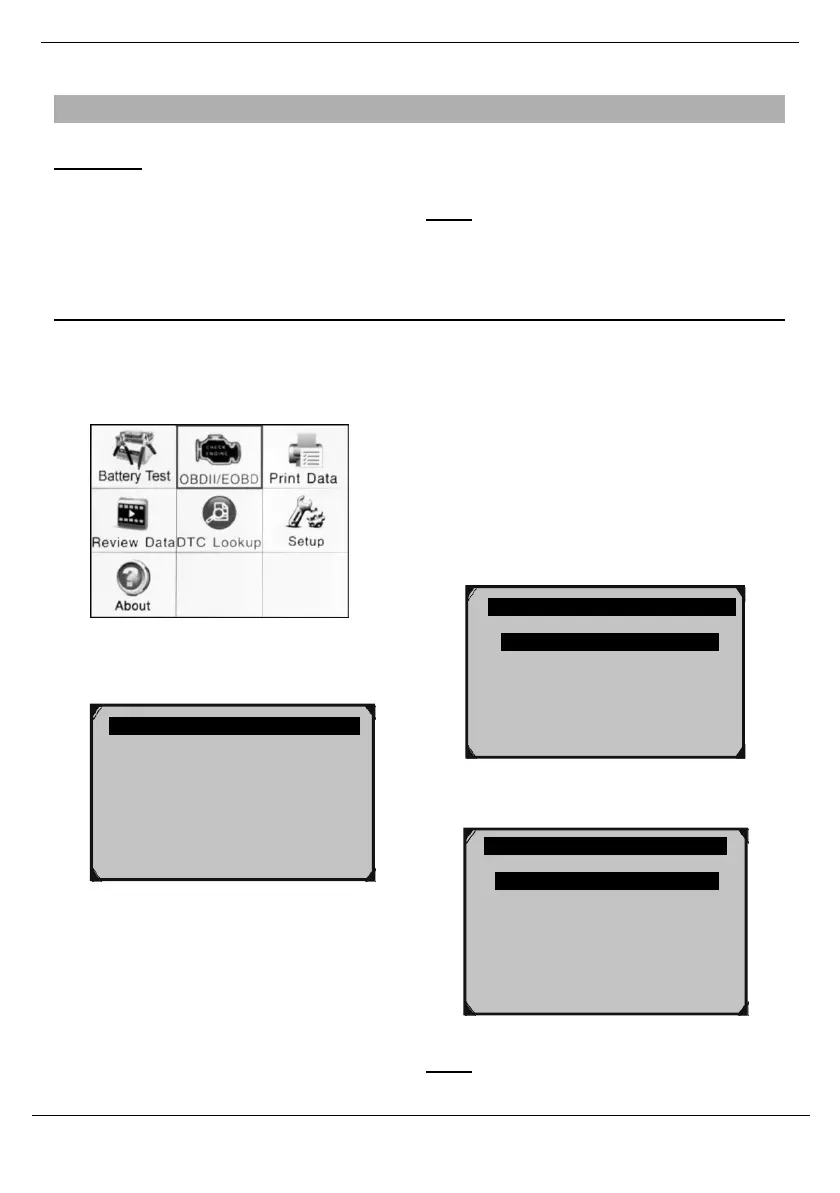
Access Diagnostic Menu
1.
From the Main Menu, use the Up/
Down/ Left/ Right button to select
OBDII/EOBD (Diagnostic Menu),
then press OK.
2.
Turn the vehicle’s ignition ON with the
engine OFF.
Note: Not all vehicles return the same
data, results may vary from the examples
given herein.
3.
Control Module will display.
In Figure 66 below, the example
vehicle uses the CAN Protocol and
has the following Control Modules:
$7E8 - PCM ID
$7E9 - TCM ID
(See Control Modules on
page 42 for more
information.)
Main Menu
2. System Status will display momentarily.
Figure 66
4. Press OK to go to Diagnostic Menu.
Figure 65
Figure 67
Note: If vehicle is 2008 or newer, the
02 Monitor Test* will not be present.
System Status
MIL Status
OFF
Codes Found 2
Ignition Type Spark
Monitors N/A 4
Monitors OK 4
Monitors INC 2
Control Module 1/2
$7E8
$7E9 ?
Diagnostic Menu 1/11
Read Codes
Erase Codes
Live Data ?
View Freeze Frame
I/M Readiness
02 Monitor Test
*
On-Board Mon.
Test



 To Next Page