OBD & Battery Analysis Scanner
- 14 -
Review Data
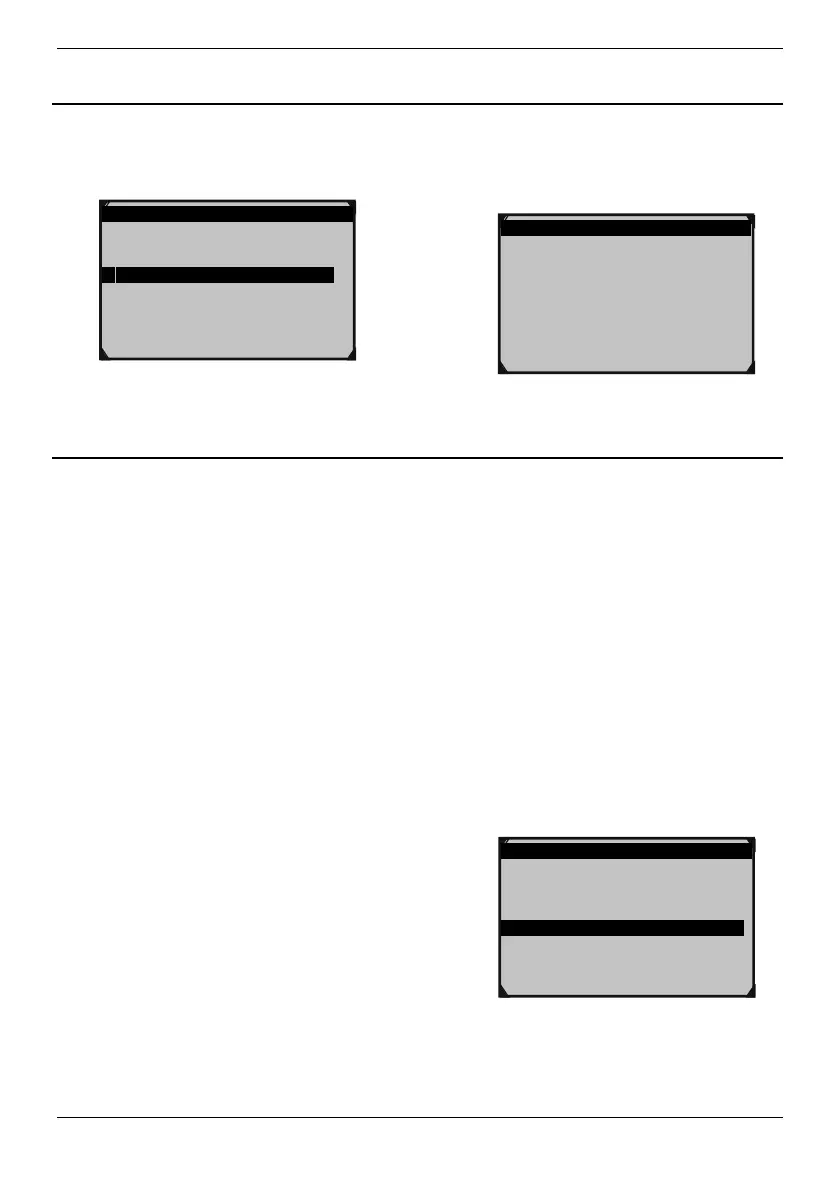
1. From main menu of battery test,
use Up/Down button to select
Review Data, then press OK.
Main Menu 3/4
1.Battery Test
2.Quick Test Ah
3.Review Data
4.Print Data
2. Screen displays battery test result
as follows. Press ESC to exit.
Battery Test
Healthy: 77% 489A(CA)
Charge: 0% 12.24V
Internal R= 7.61mΩ
Rated: 500A
GOOD,RECHARGE
Print Data
1.
Download the driver from the internet:
1)
Go to www.kzyee.com
2)
Search for KM301
3)
Download Installsoftware
4)
Download KM301-BatteryTestPrint
2.
Connect the tool to the computer via the USB cable.
3.
Install the KM301-BatteryTestPrint.exe and select default.
4.
After installation, open the KM301-BatteryTestPrint on the desktop.
5. Select print.
If there are some data history in print
software, please kindly press the Clean
button in the upper right corner to clear
the data.
6. From main menu of battery test,
use Up/Down button to select Print
Data, then press OK.
Main Menu 4/4
1.Battery Test
2.Quick Test Ah
3.Review Data
4.Print Data



 To Next Page