OBD & Battery Analysis Scanner
- 33 -
Record Live PID Data
View multiple frames of data collected over a
period of time.
This section contains advanced
functions. Some data may need to be
interpreted by a qualified technician.
1.
From Diagnostic Menu, use the
Up/Down button to select
Live Data,
then press OK.
2.
From Live Data, use the Up/ Down button
to select Record Data, then press OK.
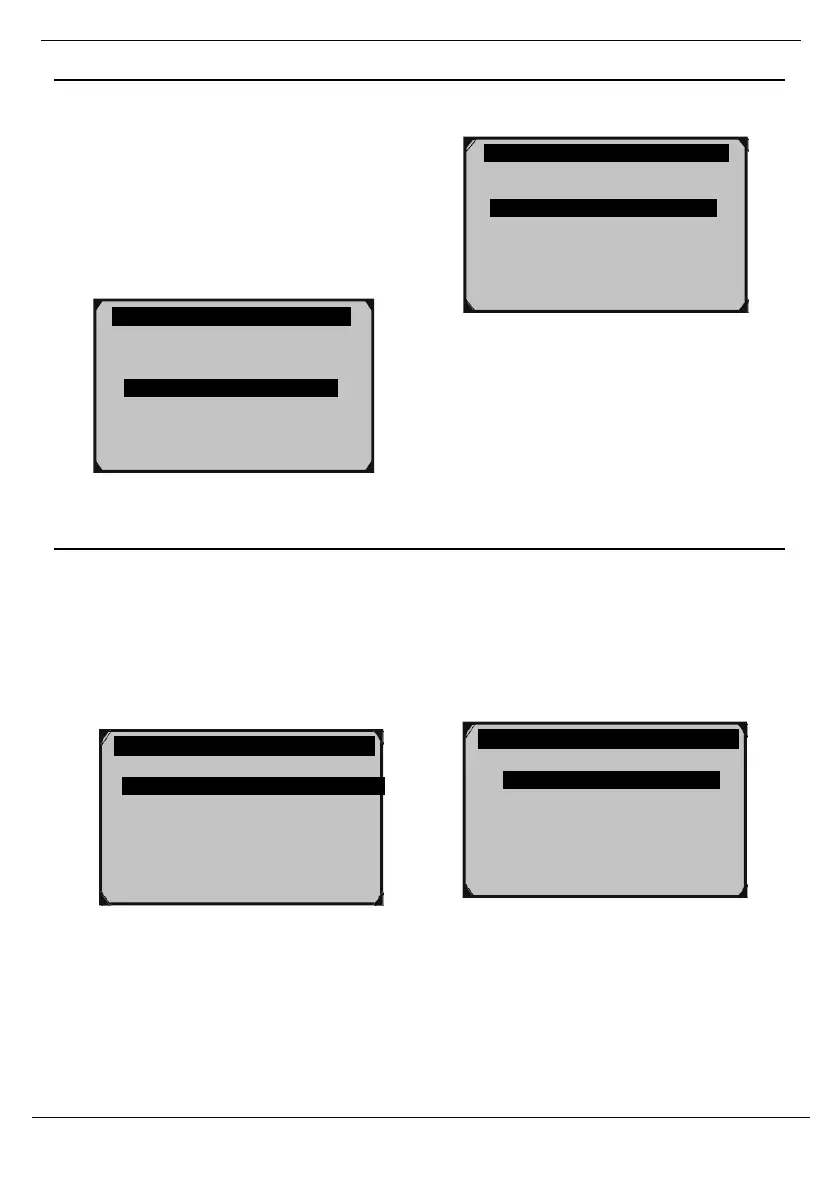
Figure 87
Figure 86
Complete Data Set - Record All PIDs
WARNING! DO NOT attempt to operate
the Scan Tool while driving the vehicle.
Have a passenger operate the Scan Tool.
1.
Start the vehicle and begin driving.
2.
From Record Data, have the
passenger select Complete Data Set,
then press OK.
3.
Have the passenger select a Trigger
Mode:
•
Manual Trigger - Recording willbegin
after memory location is selected.
•
DTC Trigger - Recording will
begin when a DTC is detected.
Complete Data Set
Custom Data Set
Unit of Measure
Figure 88
Figure 89
Diagnostic Menu 3/11
Read Codes
Erase Codes
View Freeze Frame
I/M Readiness
02 Monitor Test
On-Board Mon. Test
View Data
Record Data
Playback Data
?
Manual Trigger
DTC Trigger ?



 To Next Page