EasyManua.ls Logo

Kzyee KM301 - Modules Present

Default Icon
48 pages
Print Icon
To Next Page IconTo Next Page
To Previous Page IconTo Previous Page
Loading...
OBD & Battery Analysis Scanner
- 42 -
Modules Present
View Control Module IDs and their
Communication Protocols.
Note: Not all Modules are supported by
all vehicles.
Note: Not all vehicles return the
same data, results may vary from
the examples given herein.
1.
From Diagnostic Menu, use the
Up/ Down button to select
Modules
Present, then press OK.
2.
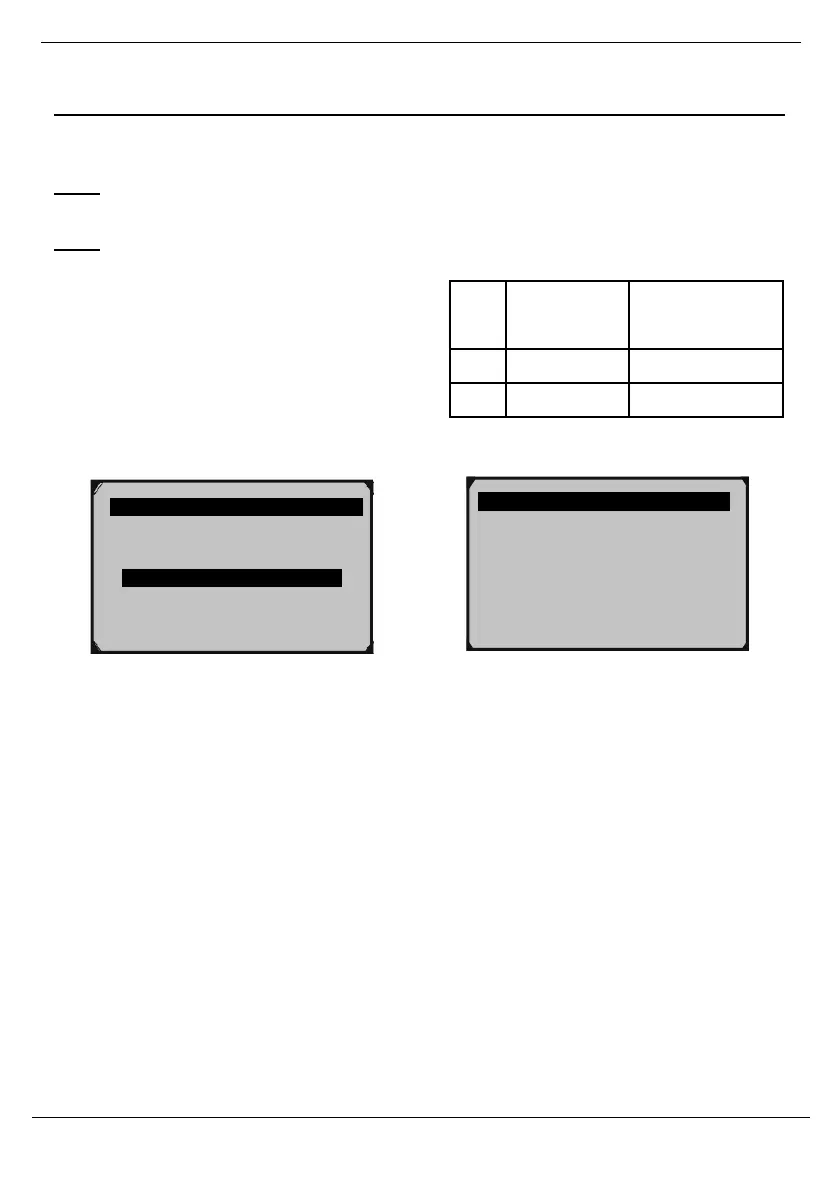
Control Module will display.
3.
In Figure 127 below, the example vehicle
uses a CAN bus and has the followingODB
Control Module IDs and Protocols:

ID
Control
Module
Communication
Protocol
$7E8
Powertrain
CAN bus
$7E9
Transmission
CAN bus
Diagnostic Menu 10/11
Component Test
Vehicle Info.
Modules Present
Unit of Measure
Protocol CAN
STD FAST
CAN STD
FAST
ID
$7E8
$7E9
Modules Present 1/3
Figure 126
Figure 127