WARNING! Do not clear any DTCs
before the vehicle has been repaired
and the system has been checked
completely by a qualified technician.
As long as there is a fault condition, the
DTCs will continue to set and turn on the
MIL.
Note: If the vehicle stores permanent
DTCs, they cannot be erased by the Scan
Tool. They can only be erased by the OBD
II system, after repairs are made, and a set
number of Driving Cycles have been
completed.
1.
Turn the vehicle’s ignition ON with the
engine OFF.
2.
From Diagnostic Menu, use the Up/
Down button to select Erase Codes,
then press OK.
3.
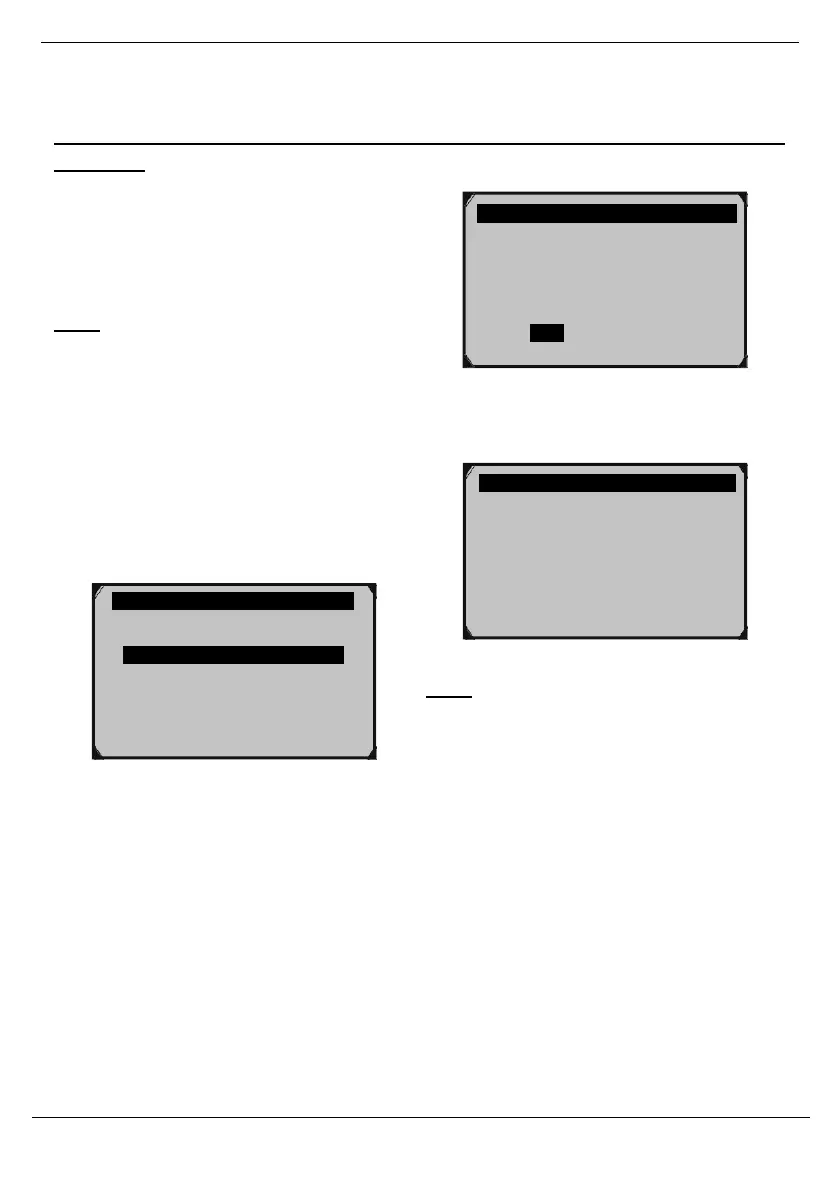
Choose whether or not to erase codes.
Figure 74
4.
When DTCs have been erased, the
following message will appear.
Figure 75
Note: Erasing codes will reset the Monitors
to incomplete status. A Drive Cycle will
need to be completed before performing an
Emissions Readiness Test.
Clearing the error code will not repair the
car. Repair the car, then clear the error
code.



 To Next Page