OBD & Battery Analysis Scanner
- 23 -
Custom Data Set
[
] – Select/Deselect
[ ] – Select/Deselect
all [OK] – Confirm
[ESC] – Cancel
Press any key to con.
Configure Monitors
Note: Configuring the Monitors is
not required to operate the Scan Tool.
BEFORE CONFIGURING MONITORS:
•
Run “I/M Readiness Quick-Check”
on page 26 to determine which
Monitors are not supported on the
vehicle.
•
Refer to EPAguidelines for
acceptable incomplete monitor limits.
1. From System Setup, use the Up/Down
button to select Configure Monitors,
then press OK.
Figure55
4. For Spark IGN Required Mon. and
Compression IGN Required Mon.,
deselect Monitors that are not
supported on the vehicle, see “I/M
Readiness Quick-Check” on page 26.
Figure54
2.
Select a configuration, then press OK.
a.
Spark IGN Required Mon.
For gasoline engines.
b.
Compression IGN Required Mon.
For diesel engines.
c.
Allowed INC Monitors to Set how
many incomplete Monitors are
acceptable.
d.
Reset Factory Default
3.
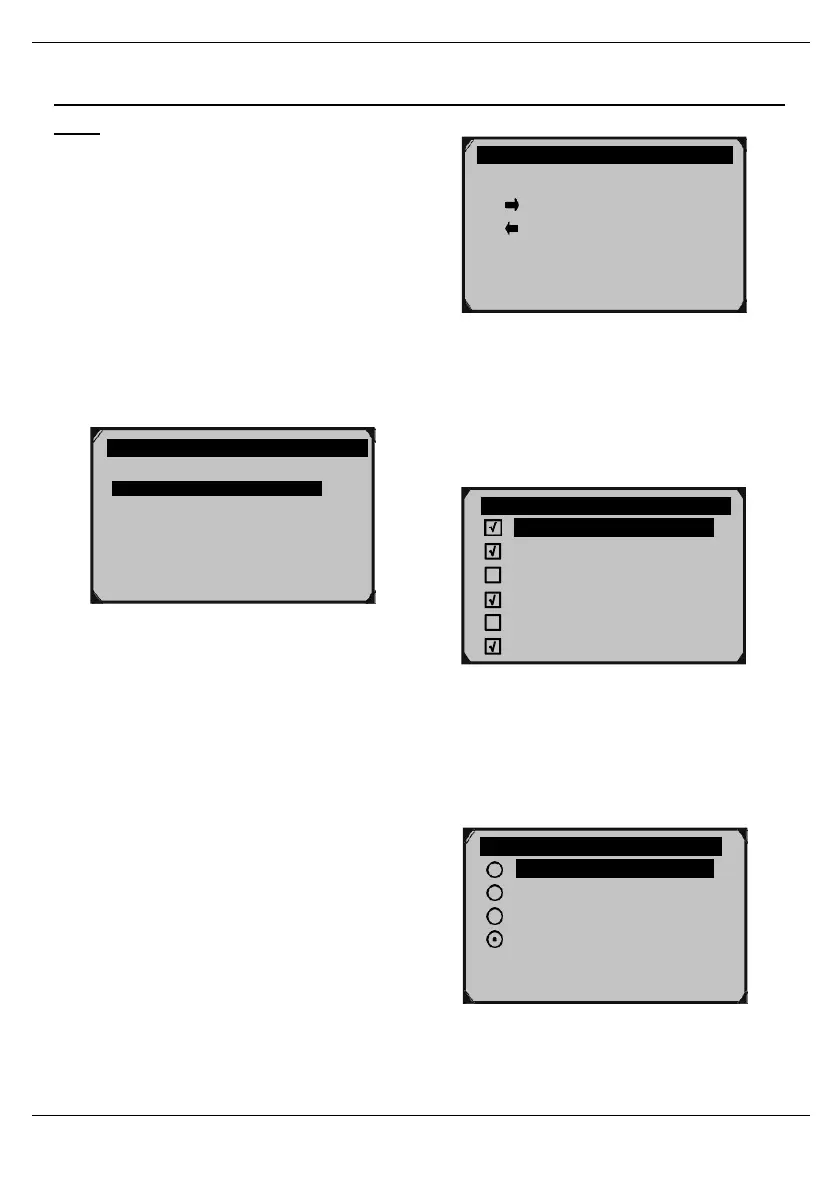
Custom Data Set screen shows
which buttons can be used to
configure the monitors. Press any
button to move to the next screen.
Figure56
5. For Allowed INC (incomplete)
Monitors, select the number of
incomplete Monitors allowed. Refer to
EPA guidelines for acceptable
incomplete monitor limits.
Allowed INC Monitors
1/4
0
1
Configure Monitors 1/4
Spark IGN Required Mon.
Compression IGN Required Mon.
Allowed INC Monitors
?
Reset Factory Default
Sppark IGN Monitors
MIS
FUEL
CCM
CAT
HCAT
EVAP



 To Next Page