OBD & Battery Analysis Scanner
- 24 -
Unit of Measure
1.
From System Setup, use the
Up/ Down button to select
Unit
Of Measure, then press OK
2.
Select English or Metric,
then press OK.
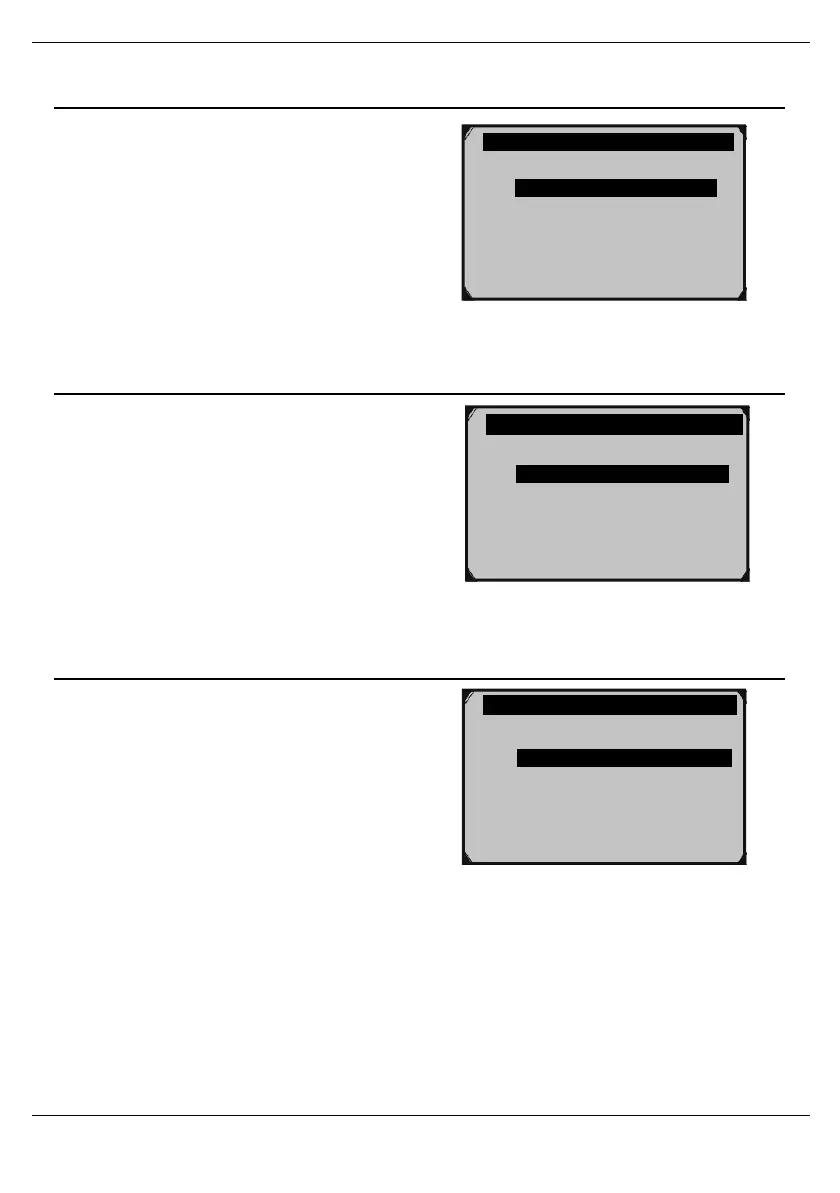
Figure58
Key Beep Set - Control Sound When Buttons are Pressed
1.
From System Setup, use the
Up/ Down button to select
Key
Beep Set, then press OK.
2.
Select Beep ON or Beep OFF,
then press OK.
Figure59
Status Beep Set - Control Notification Sounds
1.
From System Setup, use theUp/
Down button to select
Status
Beep Set, then press OK.
2.
Select Beep ON or Beep OFF,
then press OK.
Figure60
Unit of Measure
o English
o Metric ?
Status Beep Set
1/2
o Beep ON
o Beep OFF ?



 To Next Page