LaCie Internet Space • DESIGN BY NEIL POULTON MyContacts
User Manual page 32
Adding Contacts5.1.
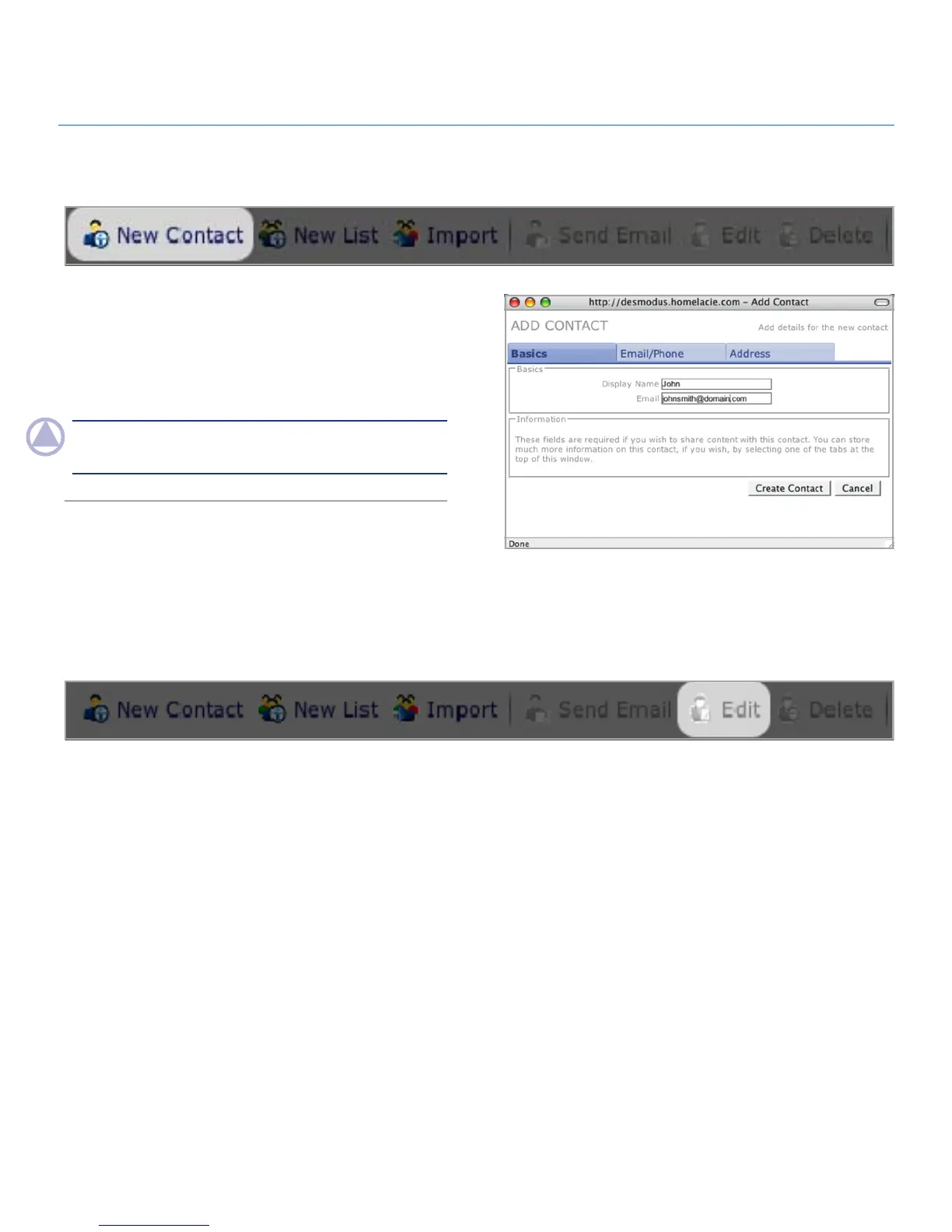
To add a contact:
Click the 1. New Contact button in the action bar.
Enter contact details on each of the three tabs in the Contact
2.
Details window – Basics, Email/Phone and Address.
NOTe: Display name and Email on the Basics tab are required,
but all other information is optional.
Editing Contact Details5.2.
To edit contact details, like name, email address, phone num-
ber, etc., either click on the contact name in the contacts list or
select multiple contacts from the list using the check boxes and
click Edit in the action bar. A Contact Details window for each
selected contact will open.
Figure 5.1



 To Next Page