LaCie Internet Space • DESIGN BY NEIL POULTON MyContacts
User Manual page 33
Creating Mailing Lists5.3.
You can use mailing lists to share folders with groups of people.
For example, you can share a folder of vacation pictures with
several family members.
To create a mailing list:
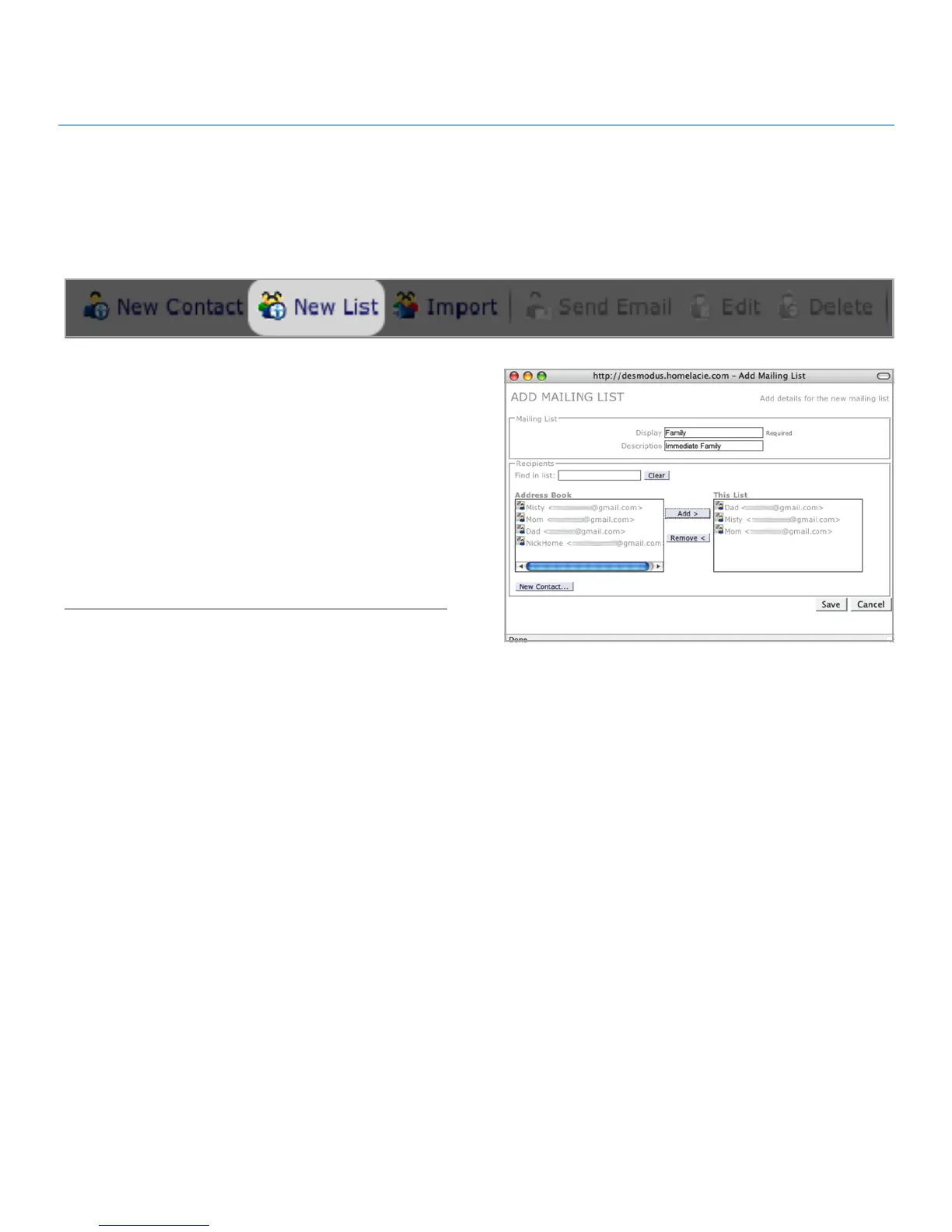
Click the 1. New List button in the action bar. The Add Mailing
List window opens (Fig. 5.3).
All contacts in your address book are listed in the Address
2.
Book list. Select the contacts you want to add to the mailing
list and click Add.
The added names appear in the This List list. When you’re
3.
done adding names, click Save. The mailing list will appear
in your address book.
Figure 5.3



 To Next Page