LaCie Internet Space • DESIGN BY NEIL POULTON Settings
User Manual page 47
MyContacts Settings8.2.
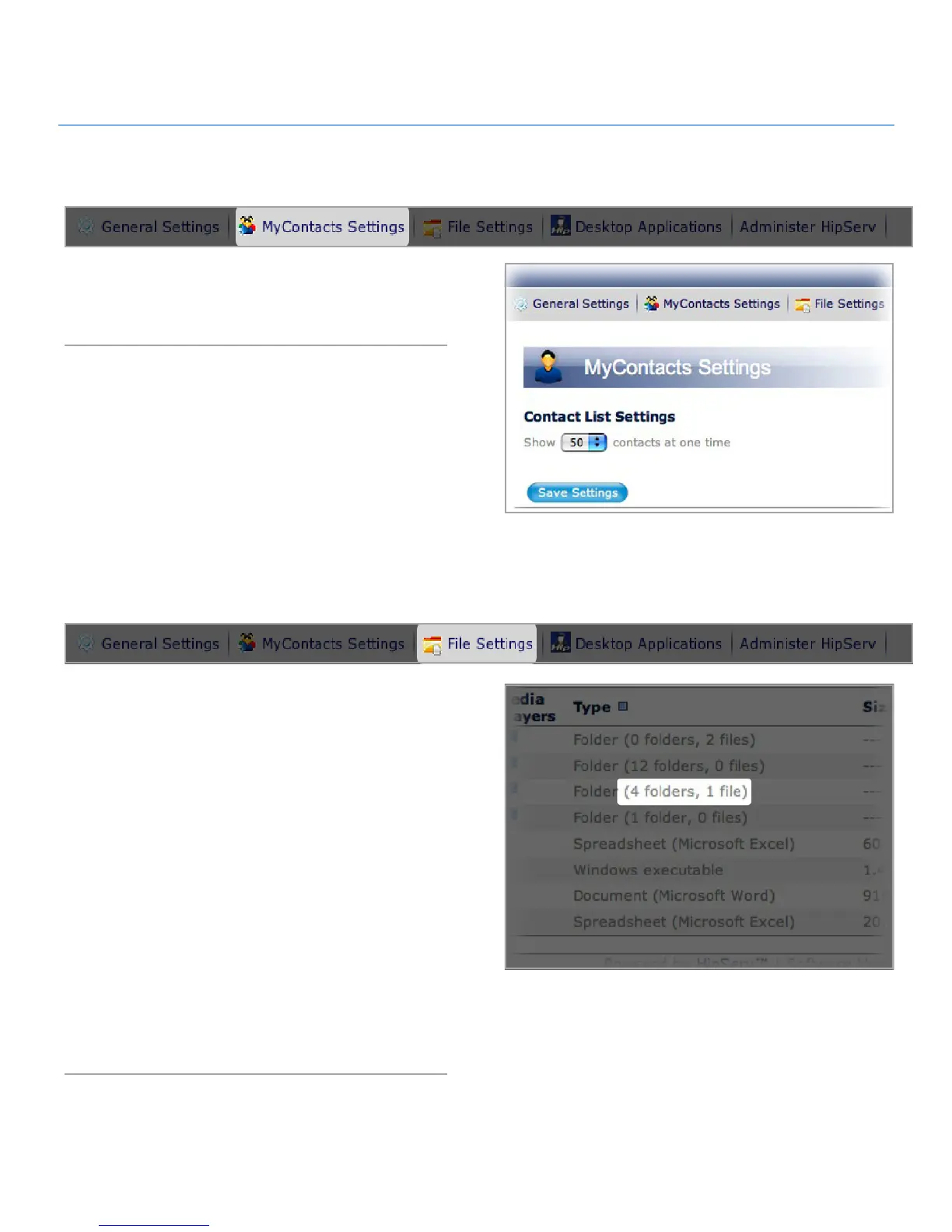
In My Contacts Settings you can change the number of contacts
displayed in your contacts list. Just select a number from the
menu and click Save Settings (Fig. 8.2).
File Settings8.3.
In File Settings you can change the maximum number of files
and folders displayed on each page, the return email address
appearing on sharing email you send and the default action that
occurs when two files of the same name are placed in a folder
on your Ethernet disk.
To change File List settings, select the number of files to dis-
play from the drop-down menu. Marking the “Show the number
of folders and files in each folder” box displays folder contents
information in the Type column of the File List (Fig. 8.3).
To change sharing settings, enter an email address in the
“Return email address” field. When you share files or folders
with your contacts, this email address will appear in the “From:”
field.
To change file name settings, select an action from the “When
two files have the same name” drop-down menu.
When you’re done, click Save Settings.
Figure 8.2
Figure 8.3



 To Next Page