LaCie Internet Space • DESIGN BY NEIL POULTON Introduction
User Manual page 5
Click a topic:
Installation and setu ✦ p
Connecting to your Ethernet dis ✦ k
Administratio ✦ n
Router Configuratio ✦ n
Quick Links
Introduction1.
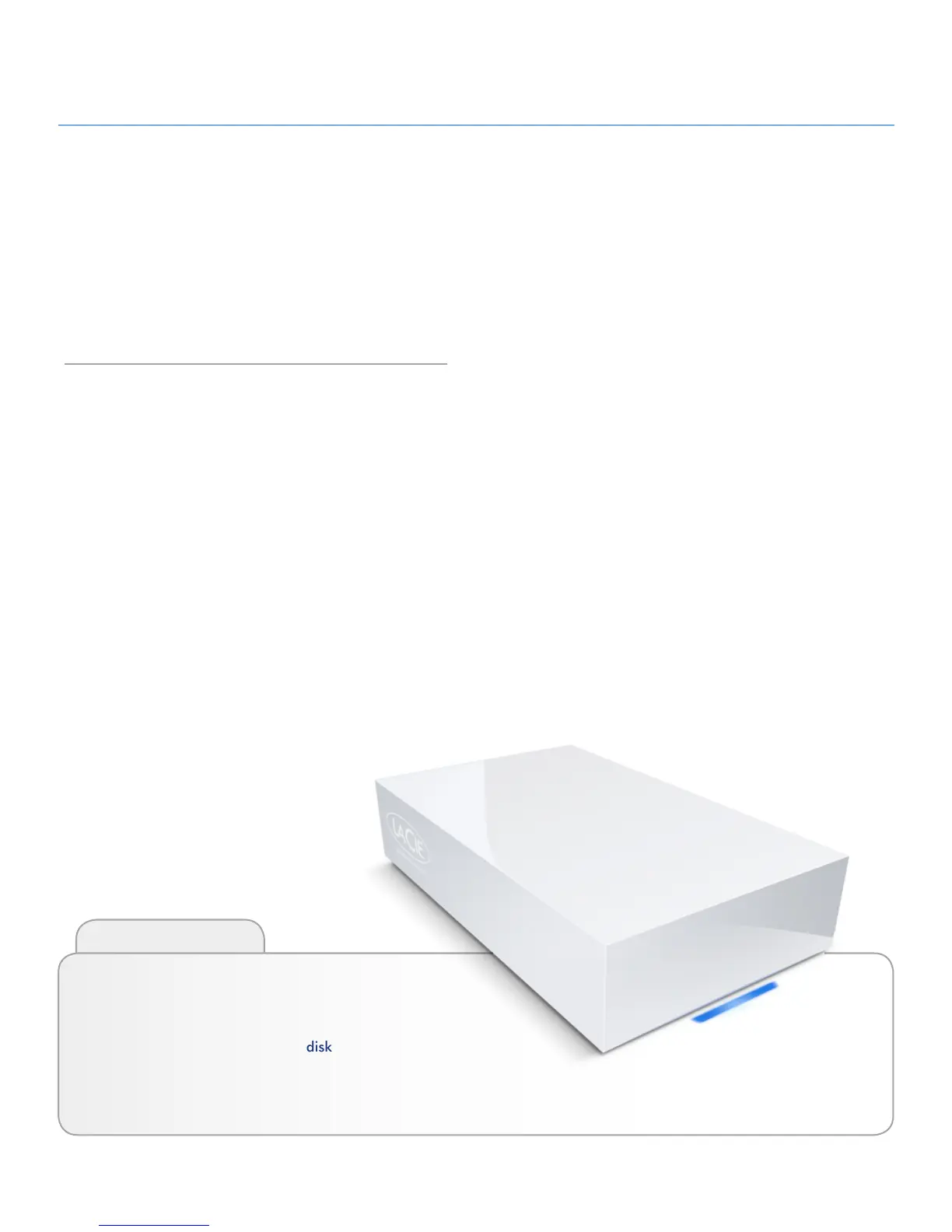
Congratulations! As the owner of a LaCie Internet Space, you’ve
taken the latest step in expanding your digital life. All of your
digital media – photos, videos, music and computer files – are
now available anywhere at home and wherever you have an
Internet connection, whenever you want to access it.
Whenever, Wherever Access
At home, a friend’s house, an Internet café or the office, you can
access your personal content at home from a computer, mobile
phone, or any web enabled device, because the Ethernet disk is
connected to the internet.
Digitize Your Home
Your Ethernet disk is a powerful digital media server (DMS) that
can deliver your media throughout your home, playing stored
content on computers (Windows® or Macintosh®) and many
networked consumer electronic devices (game stations, UPnP-
certified digital media players, and more).
Store Your Stuff
Your Ethernet disk provides a central location to store and orga-
nize your valuable digital assets. Connect easily with HipServ™
Agent and back up your data with DesktopMirror to ensure that
your precious content is saved and synchronized.
Share Digital Content
Go beyond simple photo album sharing. Allow friends and fam-
ily to secure access to the specific content you choose to make
available, whether it’s photos, word processing documents,
video or music.














 To Next Page