LAUNCH X-431 PRO User’s Manual —
Others
34
4.2 WLAN
This function enables you to enjoy surfing on the internet and downloading data
from the internet via Wi-Fi.
4.2.1 Set Wi-Fi on
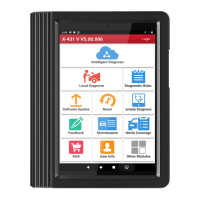
1. Enter main menu screen, choose “Settings” > “Wi-Fi”.
2. When the Wi-Fi switch is slid to ON position, it indicates Wi-Fi has been
activated already.
Note: To prolong the battery life, please switch Wi-Fi off when it keeps
unattended.
4.2.2 Connect to Wi-Fi
1. Enter main menu screen, choose “Settings” > “Wi-Fi”.
2. Tap
, and then choose “Scan” from the pop-up option menu. X-431 PRO
will start scanning all available Wi-Fi networks.
3. Tap the desired one to connect.
If the network you chose is open, you can connect to it directly;
If the selected network is encrypted and secured with WPA, you have to
input the right access password to connect it.
Hints:
On WLAN setting screen, tap
to add a new Wi-Fi network.
On WLAN setting screen, tap
, and then choose “Advanced” from the
pop-up option menu to make more Wi-Fi settings.









 To Next Page