EasyManua.ls Logo

Leibinger JET3 up - Adjust the Machine Settings Again

Leibinger JET3 up
214 pages
Print Icon
To Next Page IconTo Next Page
To Previous Page IconTo Previous Page
Loading...
Service Manual JET3
Rev. 1.0 195
Adjust the machine settings again:
Important information about ink and solvent
The default setting for the ink- and solvent parameters are specially
adjusted by Leibinger so that it is not necessary to TAG a new bottle for
solvent and ink after exchanging the main board.
The only thing what you have to do in regards of the ink- and solvent
parameter is to enter the correct ink- and solvent number in the
parameter settings how it is described in following chapter.

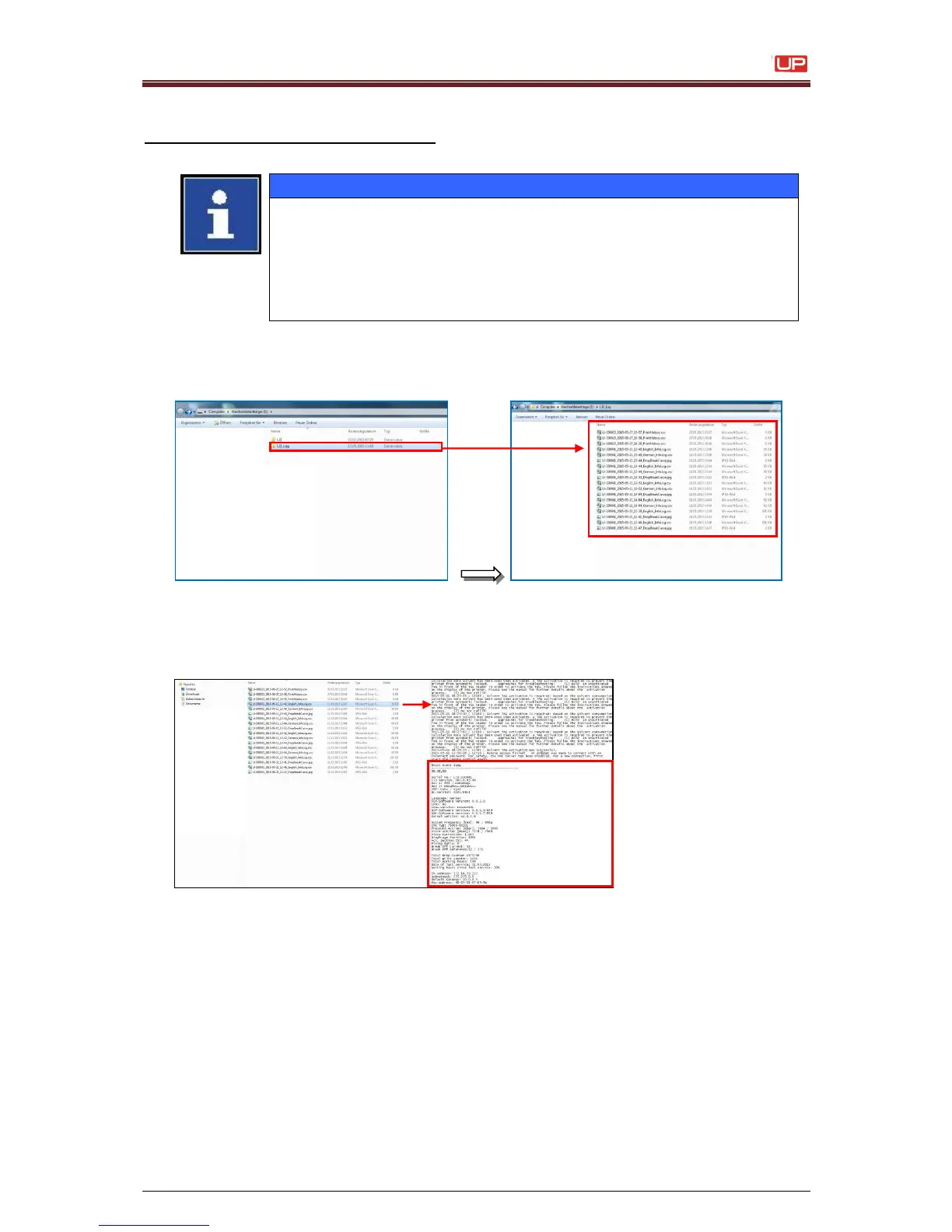
1. Connect the “USB – Stick” to the PC and open the directory „LJ3_Log“
2. Open the specified file in a new window, print out this file and set the machine
settings.

Table of Contents

Other manuals for Leibinger JET3 up

Related product manuals