Service Manual JET3
Rev. 1.0 57
5. For a successful activation, it is necessary that you hold the main filter on the TAG reader
during the whole activation process.
Otherwise you will get the error message: “TAG activation failed”.
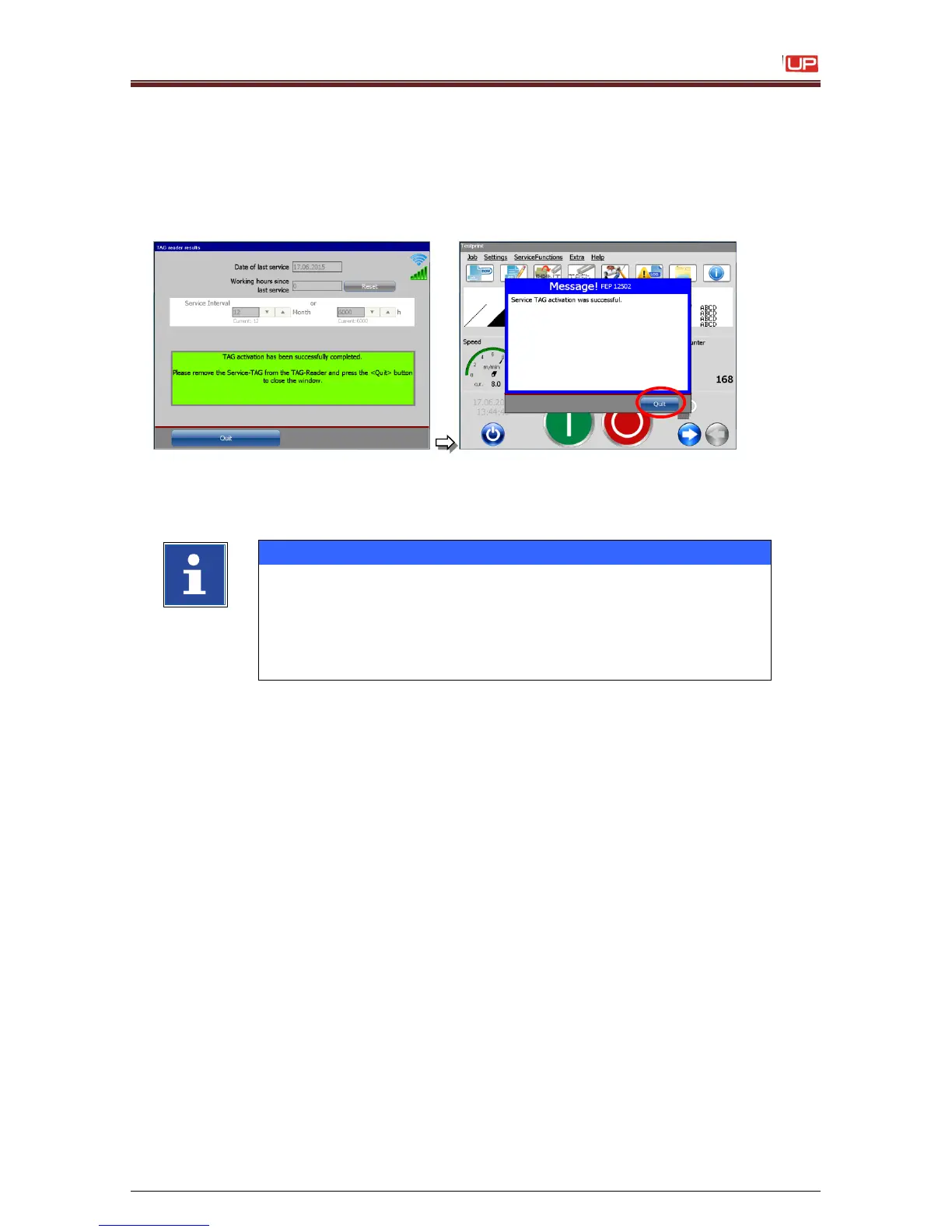
After a successful activation the new service intervals are saved and the following message
is displayed:
Close the dialog box with the button
<Quit>.
Close the confirmation prompt with the
button <Quit>.
- For a successful activation you must use a valid TAG.
- You can use a Tag for a successful activation only one time.
- Don`t remove the TAG during the activation process.
Otherwise the TAG could be damaged.
- With an invalid TAG you can open the service interval dialog
box but you can`t save any values.



 To Next Page