Preparation Before Surgery
14
Leica HM500/Ref. 10 715 697/Version B
Connecting the Leica HM500
C
aution 3
Danger of damage to the electronics
➩Always connect the data cable first and then switch
on the instrument.
➩Always switch off the instrument before disconnecting
t
he data cable.
➩Never plug or unplug the data cable when the green
light in the charge level indicator is on.
Observe the color coding when plugging the cable in.
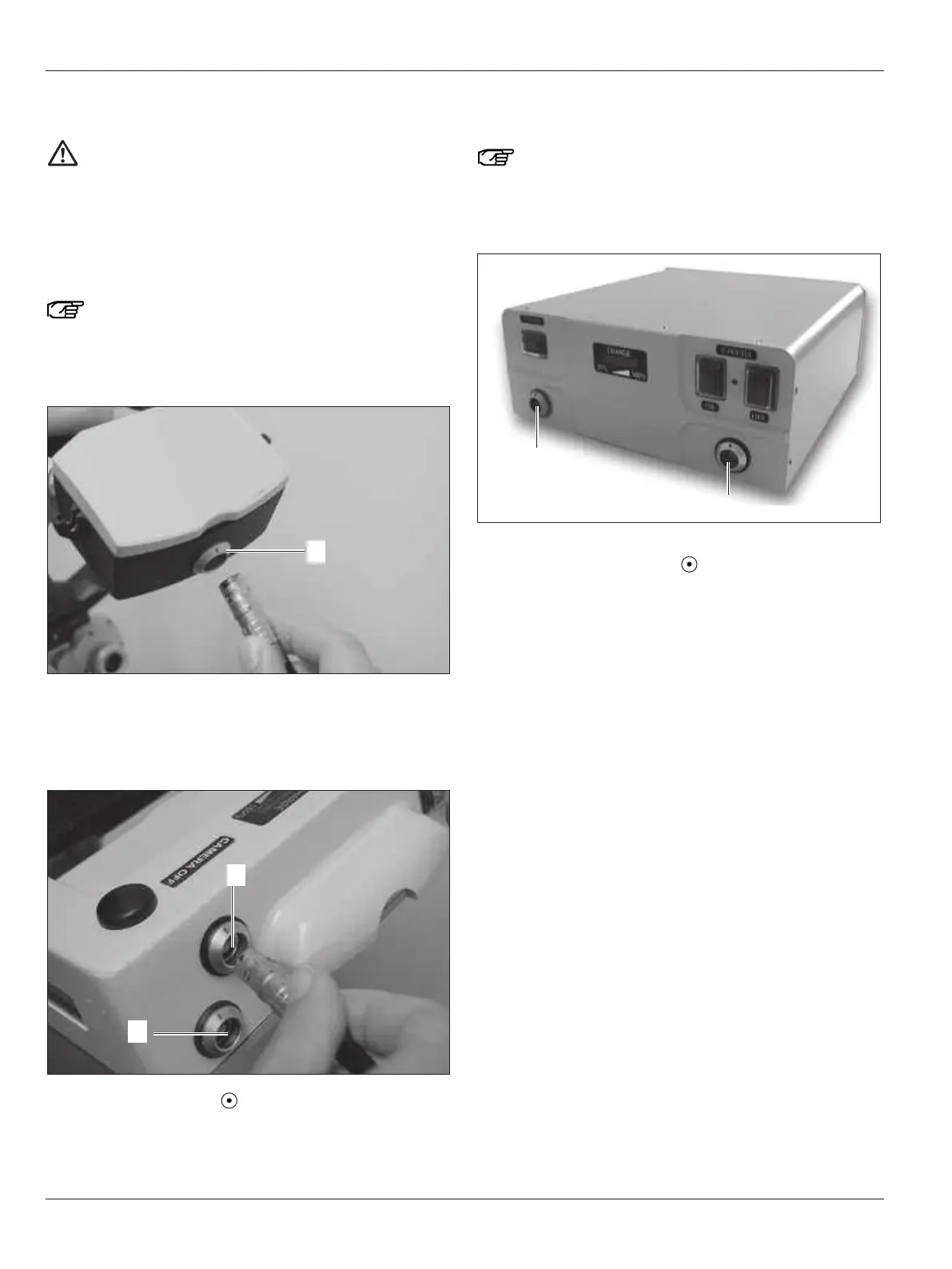
➩Plug the data cable into the socket (17) on the underside of
the counterweight box (black color code).
Connect the Leica HM500 footswitch
➩Plug the data cable into the socket (40) in the footswitch
(black color code).
➩Switch on the footswitch and check to see whether the
footswitch battery is charged (see page 27).
Connecting the Leica HM500 Dental footswitch and Dental
databox
Observe the color coding when plugging the cable in.
➩Plug the data cable into the socket (51) in the Dental databox
(black color code).
➩Switch on the Dental databox and check to see whether
the battery is charged (see page 27).
➩Plug the footswitch cable plug into the socket (52) in the
Dental databox (orange color code).


 To Next Page