Preparation Before Surgery
15Leica HM500/Ref. 10 715 697/Version B
Connecting the integrated video camera
A
1
/2" CCD autofocus color camera is built into your
Leica HM500.
Connecting the optional monitor
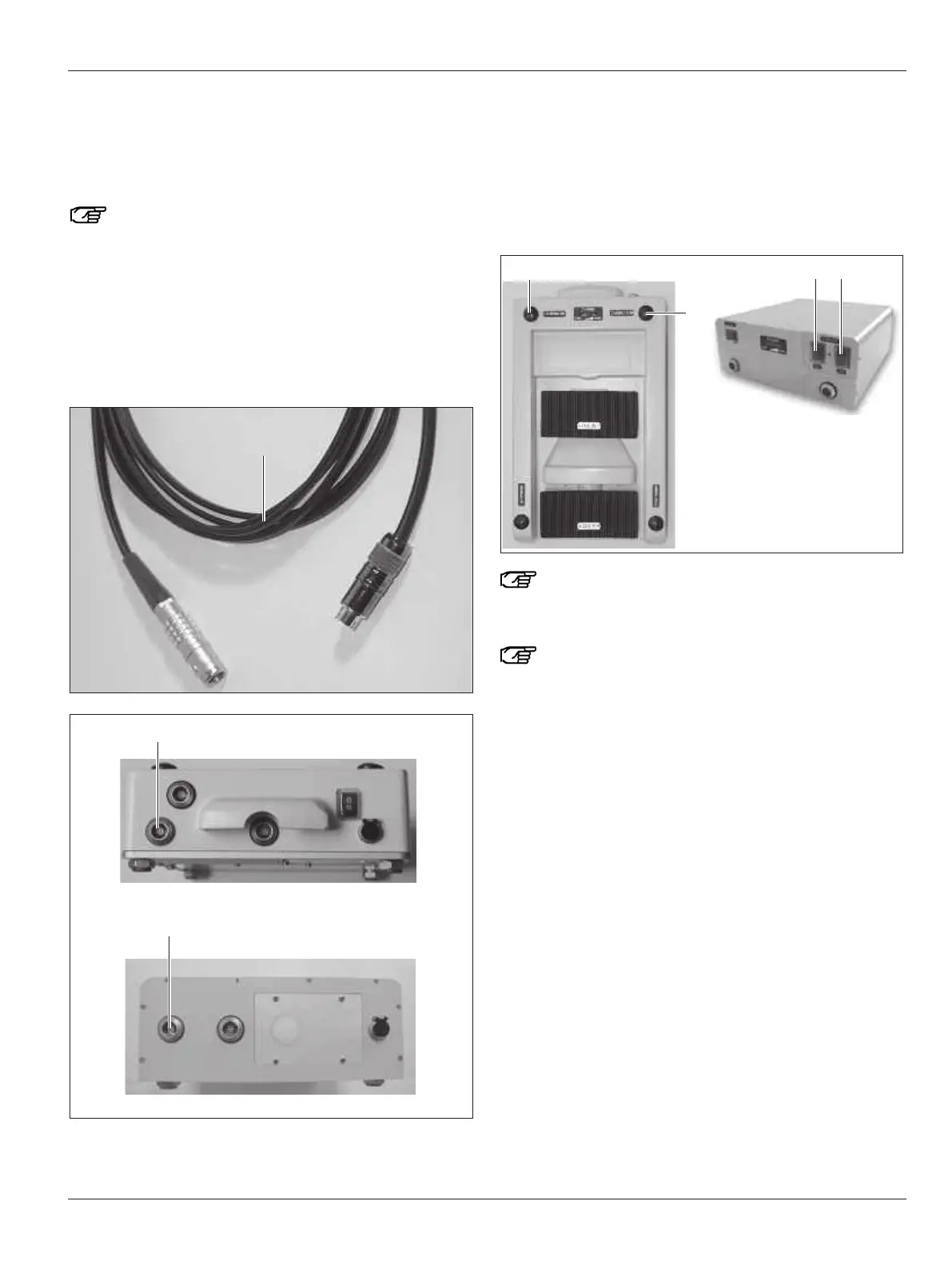
Observe the color coding when plugging the cable in.
➩Plug the video cable (87) into the socket (39) of the footswitch
(blue color code) and into the video input of the optional
monitor (S video).
or
➩Plug the video cable (87) into the socket (53) of the Dental
databox (blue color code) and into the video input of the
optional monitor (S video).
Switch on the camera
➩Press button (35) on the footswitch or button (49) on the
Dental databox.
Switching off the camera
➩ Press button (29) on the footswitch or button (50) on the
Dental databox.
The video picture does not cover the full field of view
(the rectangular video chip falls within the field of
view).
The quality of the camera image is affected to a great
extent by the quality and adjustment option of the
peripheral devices (e.g. for the monitor: color, contrast,
chrominance, phase for NTSC etc.).
S video


 To Next Page