Video Camera
38 M320 Ref. 10734261 / Version 03 M320 Ref. 10734261 / Version 03 39
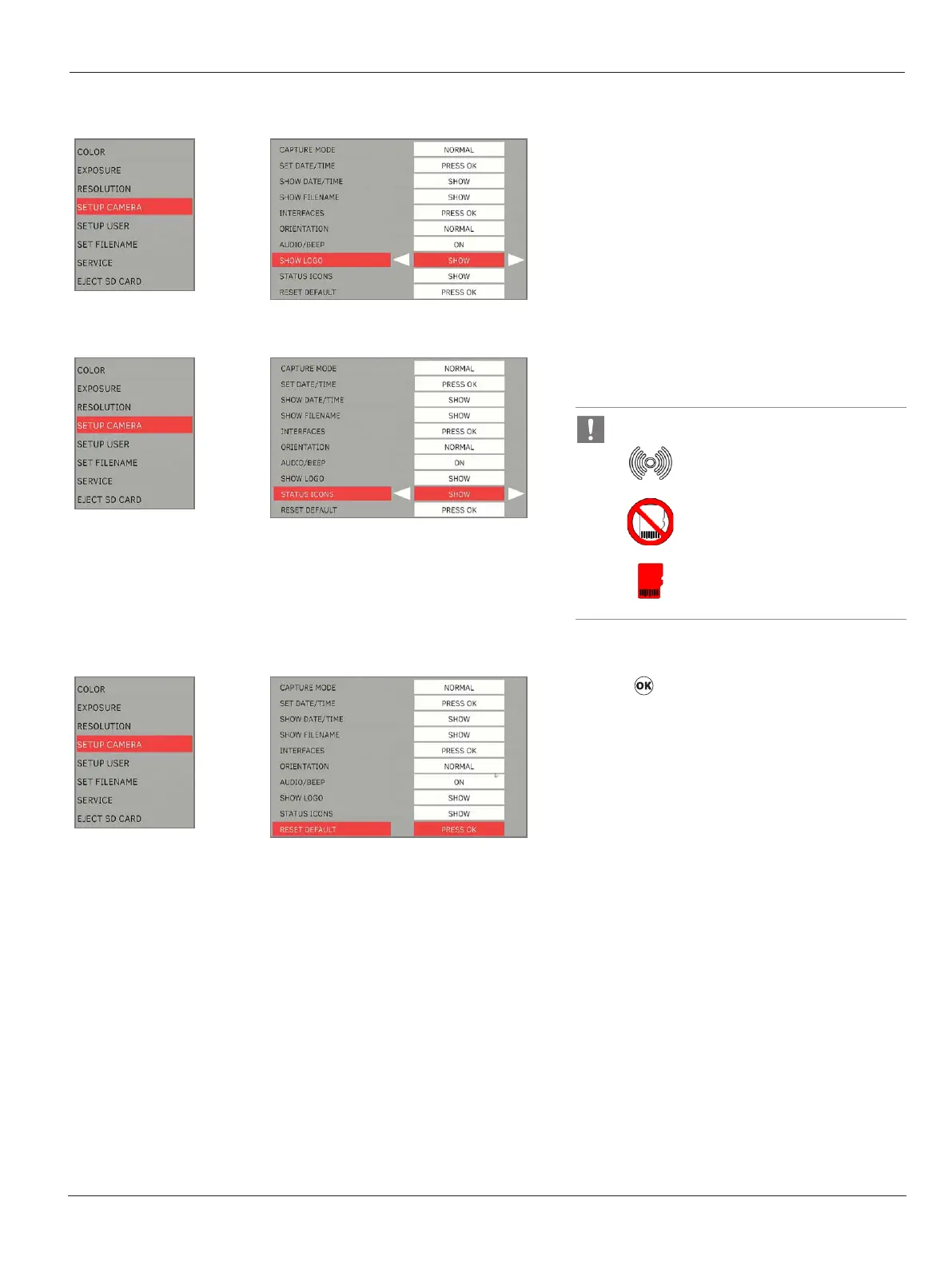
Show Logo
X
Select “SHOW” to have “Leica” Logo on the “Live”
view.
Status Icon
X
Select “SHOW” to have status icons appear on the
top right of the screen.
The following icon status will NOT be hidden:
Wi-Fi enabled indicator
No SD Card indicator
Low disk space indicator
Reset Camera
X
Press to restore all settings of the video
camera to the factory settings.


 To Next Page