Video Camera
40 M320 Ref. 10734261 / Version 03 M320 Ref. 10734261 / Version 03 41
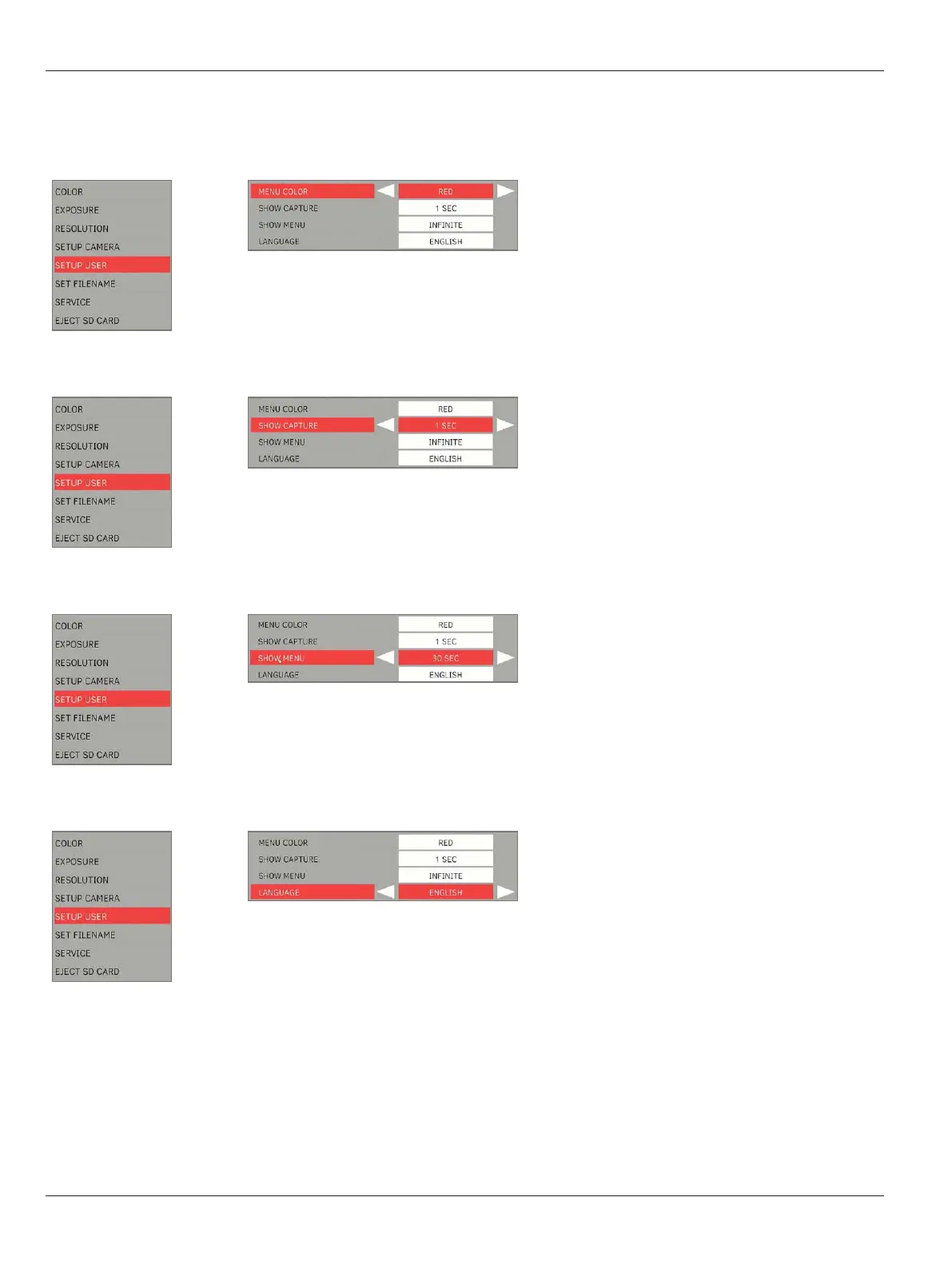
9.4.5 Setup user (user-defined settings)
Menu color
X
Select color scheme for menu:
•
“RED”: Default color
•
“BLUE”: Alternative color
Show capture
X
Select the display mode & display duration of
the image after it is captured:
•
“OFF”
•
“1 SEC”
•
“3SEC”
Show menu
X
Select the display duration of the Camera Menu
on the screen:
•
“15 SEC”
•
“30 SEC”
•
“INFINITE”
Language
X
Select the language.


 To Next Page