Video Camera
40 M320 Ref. 10734261 / Version 03 M320 Ref. 10734261 / Version 03 41
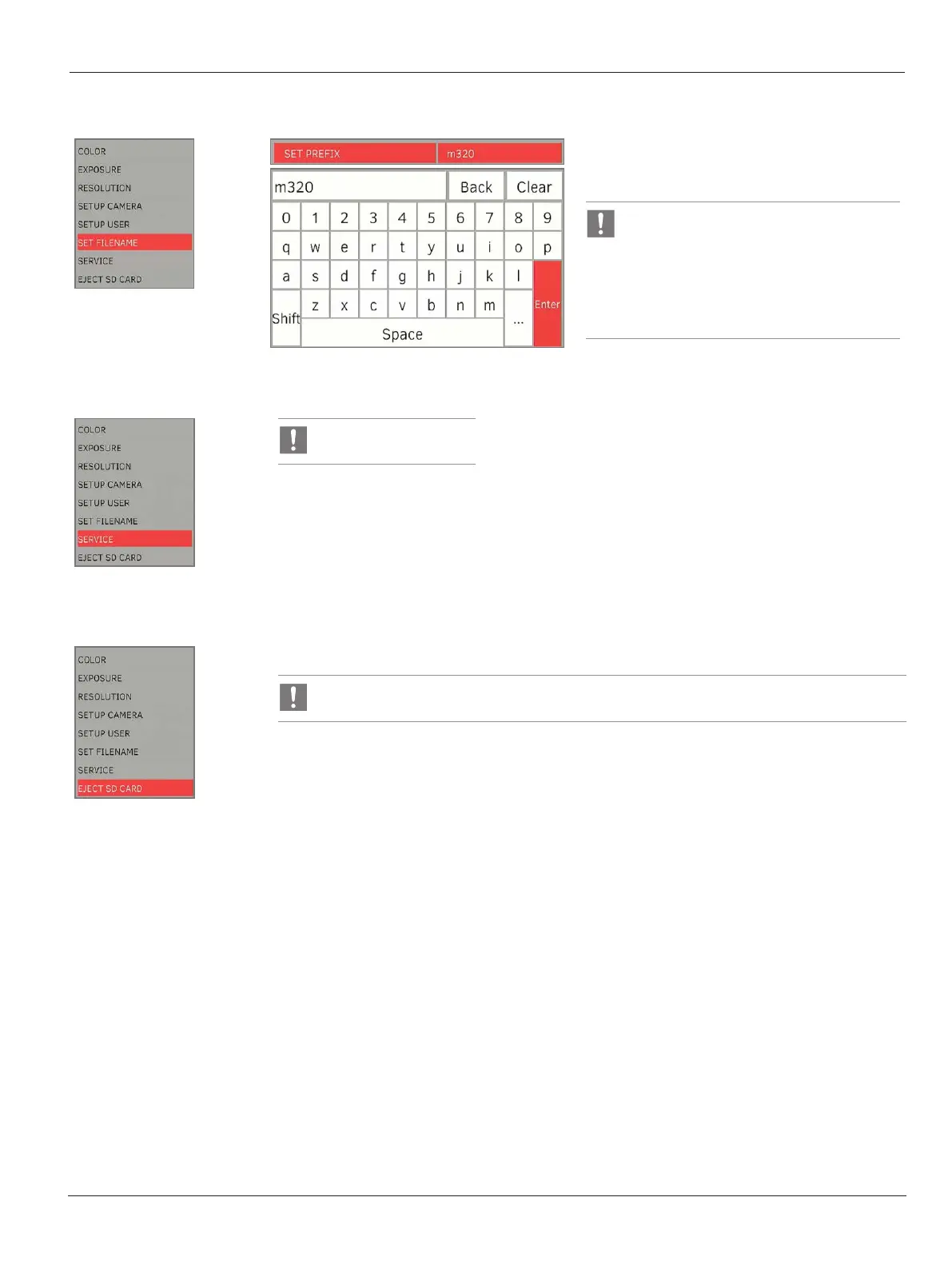
Set filename
X
Set the first 4 characters of the filenames using
virtual keyboard for still captures and video
recording.
All the files will be saved in a folder, where
the name of the folder is generated based
on the file name set.
e.g. Set Filename = m320
Filename = m32000001.JPG
Folder name = 100m320_
Service
For service use only
Eject SD Card
X
Select ‘EJECT SD CARD’ before removing SD card from the camera
Always eject the SD card before removal to prevent corruption of the SD card.


 To Next Page