Video Camera
42 M320 Ref. 10734261 / Version 03 M320 Ref. 10734261 / Version 03 43
9.4.6 Quick menu
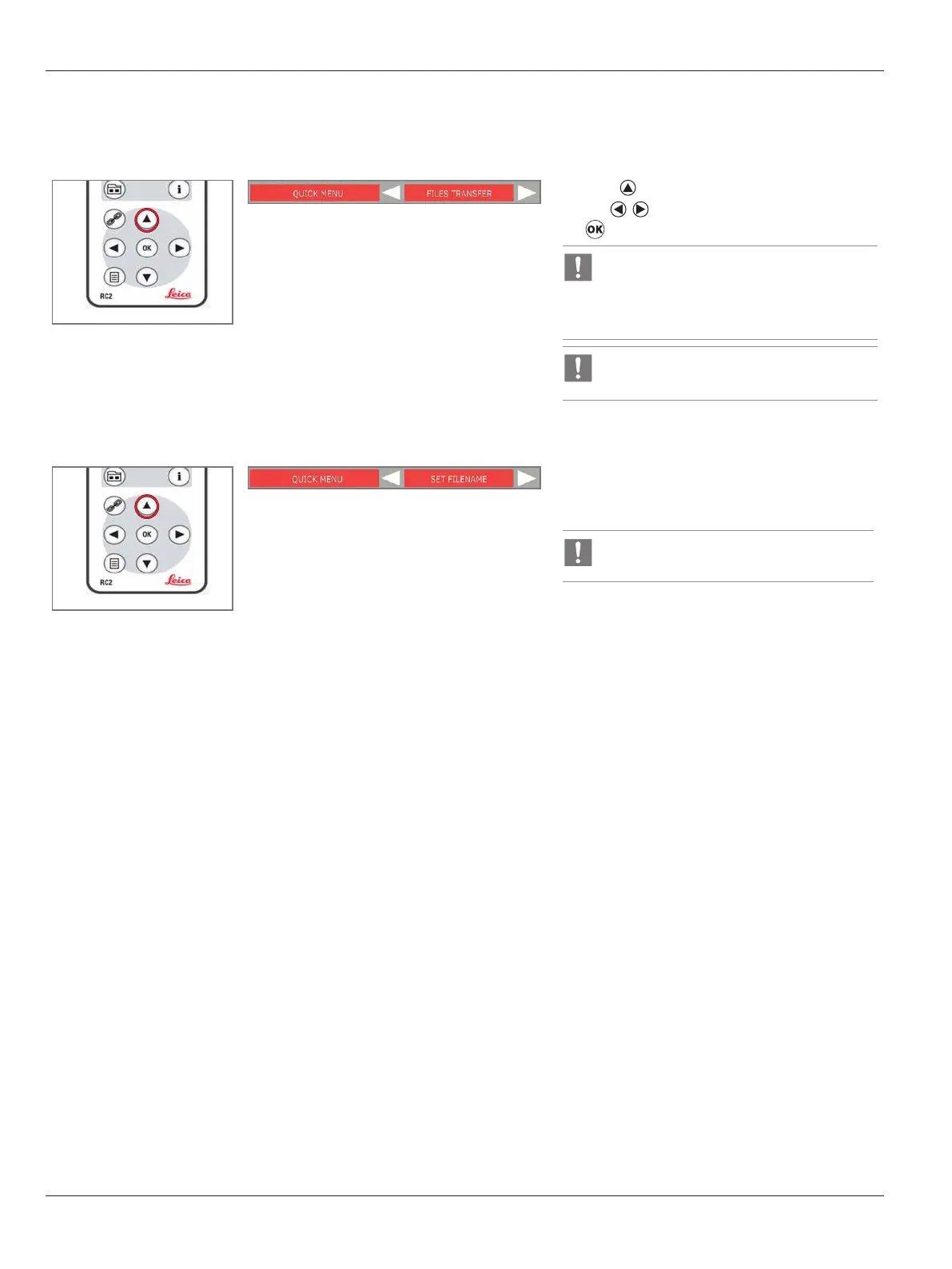
File transfer mode
X
Press to call up the “QUICK MENU”.
X
Use to select “FILE TRANSFER”, and press
.
In “FILE TRANSFER” mode, the SD card will
appear as ‘Removable Disk’ on the PC, and
files can be copied from the SD card and
pasted to the local PC.
Applicable to USB port at horizontal arm
only.
Set filename
X
Select “SET FILENAME” to enter “SET FILENAME”
menu.
Refer to "Set filename" section on page
40


 To Next Page