Video Camera
42 M320 Ref. 10734261 / Version 03 M320 Ref. 10734261 / Version 03 43
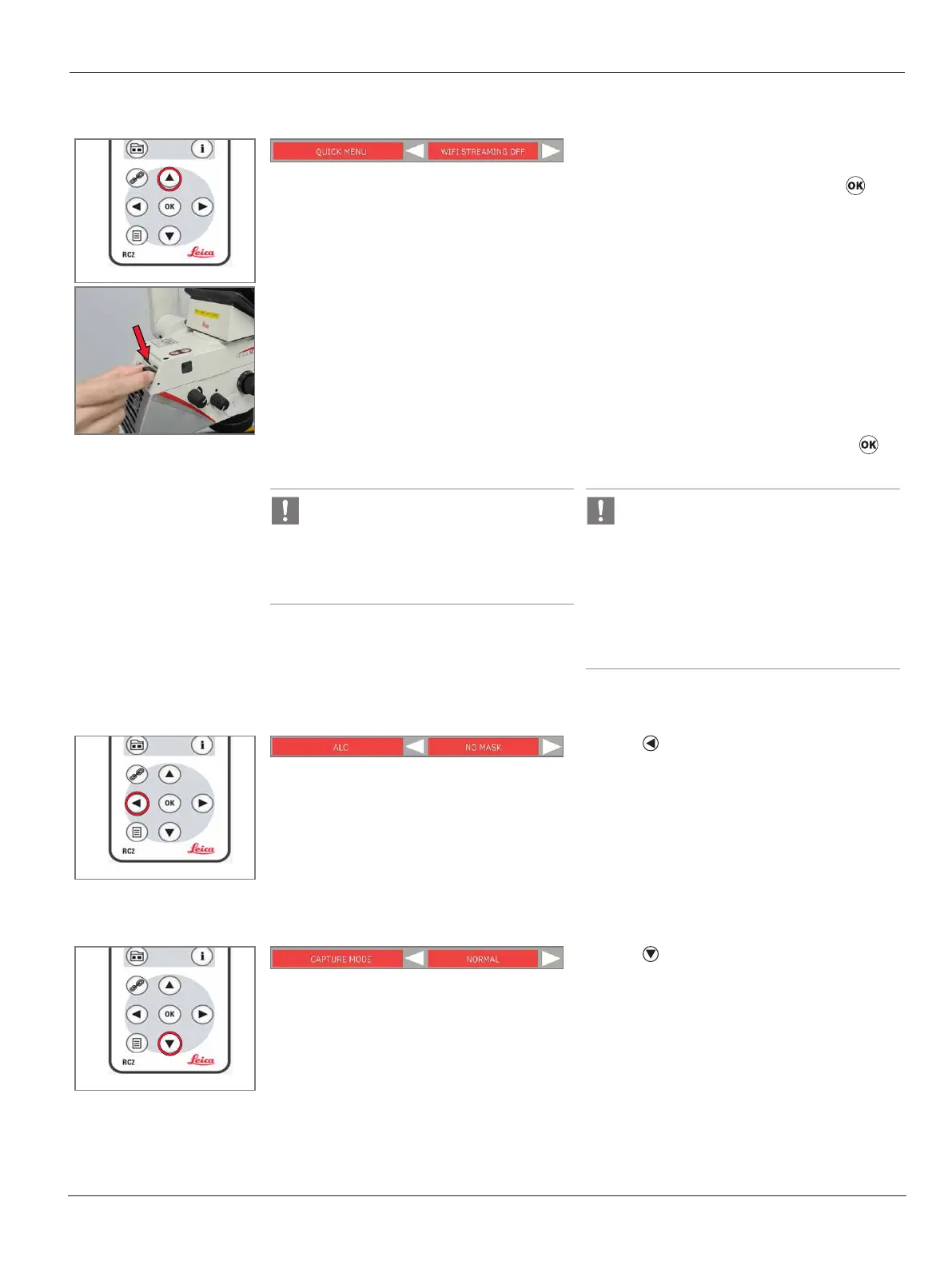
Wifi streaming/data transfer
X
Insert the WiFi dongle into the USB port on the
IVC3.
X
Select “WIFI STREAMING ON” and press . The
camera will act as an RTSP server and stream
the recorded ‘live’ view.
X
When “WIFI STREAMING ON” is shown, the
camera will act as an RTSP server and stream
the ‘live’ view.
X
Connect your PC/Phone to the camera’s WiFi
network.
X
The SSID can be found in the info screen.
X
User can use application that support rtsp/tcp
(e.g. vlc, potplayer) to view the streaming by
entering the URL rtps://192.168.2.1:8554/video
X
Set to “WIFI STREAMING OFF” by pressing to
stop the streaming.
SD Card must be inserted to start Wifi
streaming/ data transfer function.
The camera cannot do still capture or
recording to SD card while Wifi streaming
is enabled.
Recommended software for Wifi streaming
•
iOS - Leica developed App and VLC
•
Android - Leica developed App and VLC
•
Windows - VLC and potplayer
Recommended software for Wifi data
transfer:
•
iOS - Leica developped App
•
Android - Leica developed App
Automatic light control
X
Press to select the ALC mode:
“NO MASK”, “GRID”, “S CIRCLE”, “M CIRCLE” and
“LCIRCLE”
Camera mode
X
Press to select the camera capture mode:
•
“NORMAL” : Capture 1 image.
•
“BURST”: Capture 3 images.


 To Next Page