Leica mojo3D, Auto-Steer 123
5.4 Testing Auto-Steer
Testing the auto-
steer function,
step-by-step
To perform a test on the auto-steer function, carry out the following steps:
1. On the main navigation screen, tap the auto-steer settings
button.
2. On the flyout menu, tap the auto-steer test button.
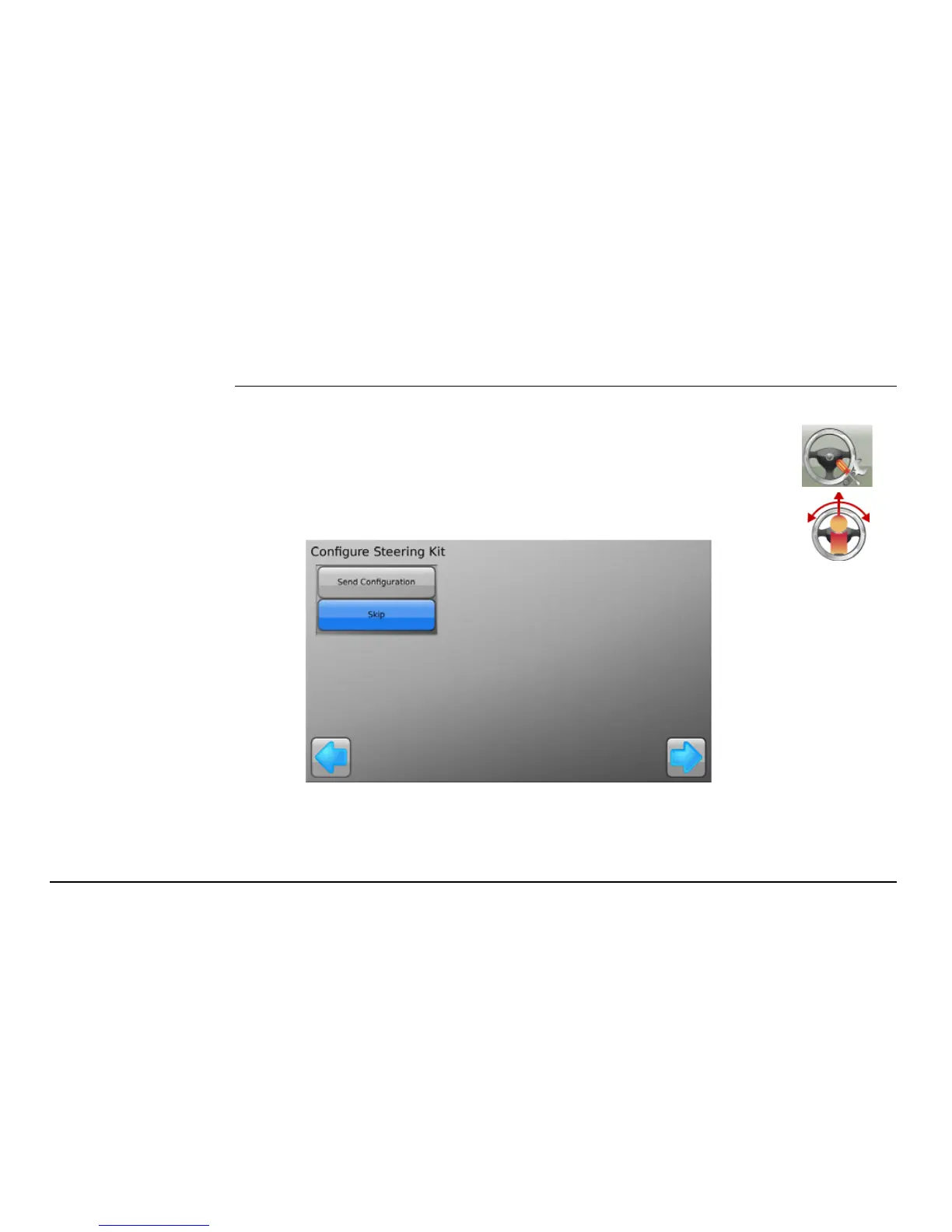
The Configure Steering Kit screen, shown below, appears.


 To Next Page
 Loading...




