Leica mojo3D, Vehicles and Implements 179
9.1 Saving a Vehicle or Implement Configuration
General Informa-
tion
You must have a working configuration, including vehicle, implement and section
control, before you can save it.
Saving a vehicle or
implement config-
uration, step-by
step
To save a vehicle or implement configuration, carry out the following steps:
1. On the main navigation screen, tap the settings button.
2. On the flyout menu, tap the vehicle setup management button.
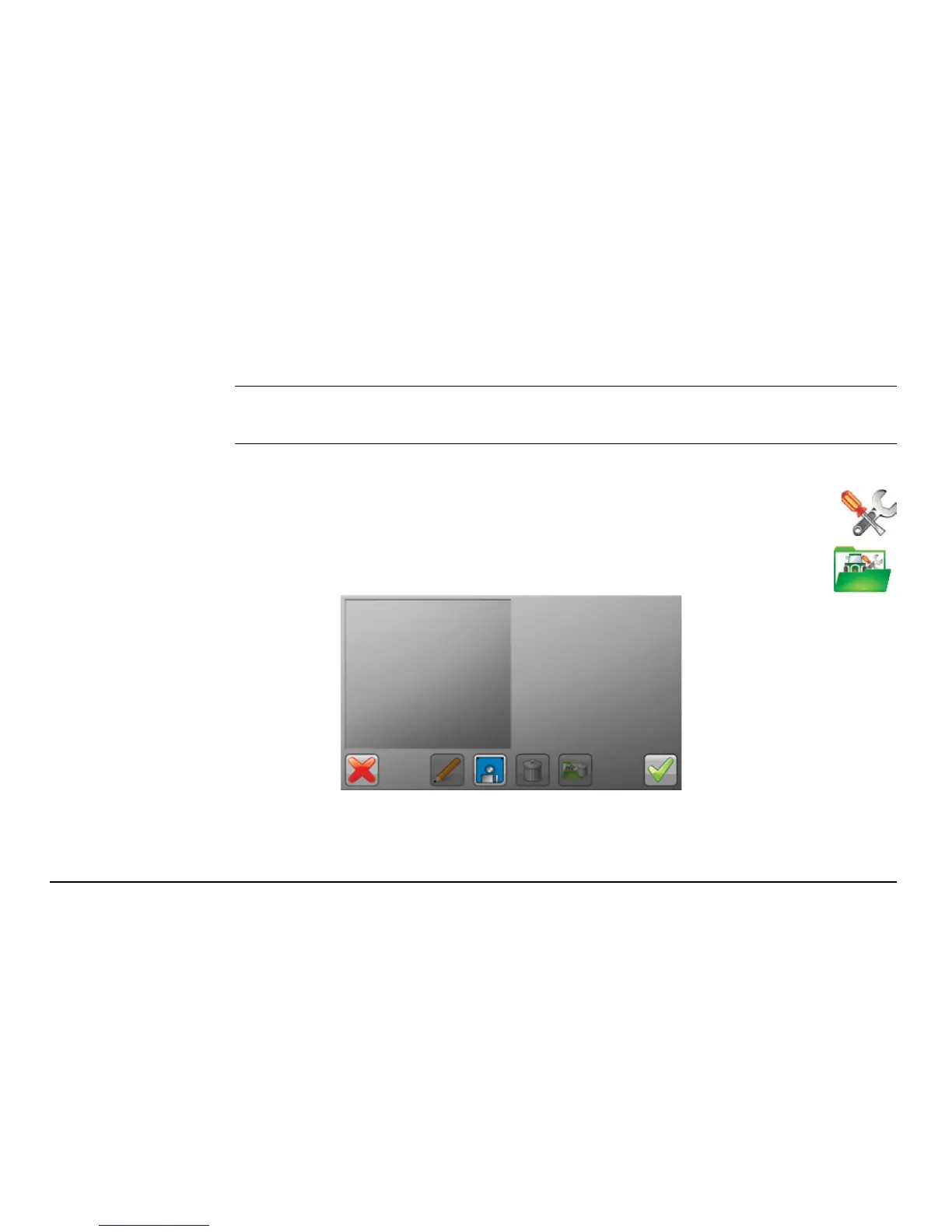
The Vehicle Setup Management screen, shown below, displays.
The Vehicle list (on the left) is empty if you have no previously
saved configurations.


 To Next Page
 Loading...





