52
Leica mojo3D, Running the mojo3D for the First Time
3.6 Specifying Data for Display
Specifying data for
display,
step-by-step
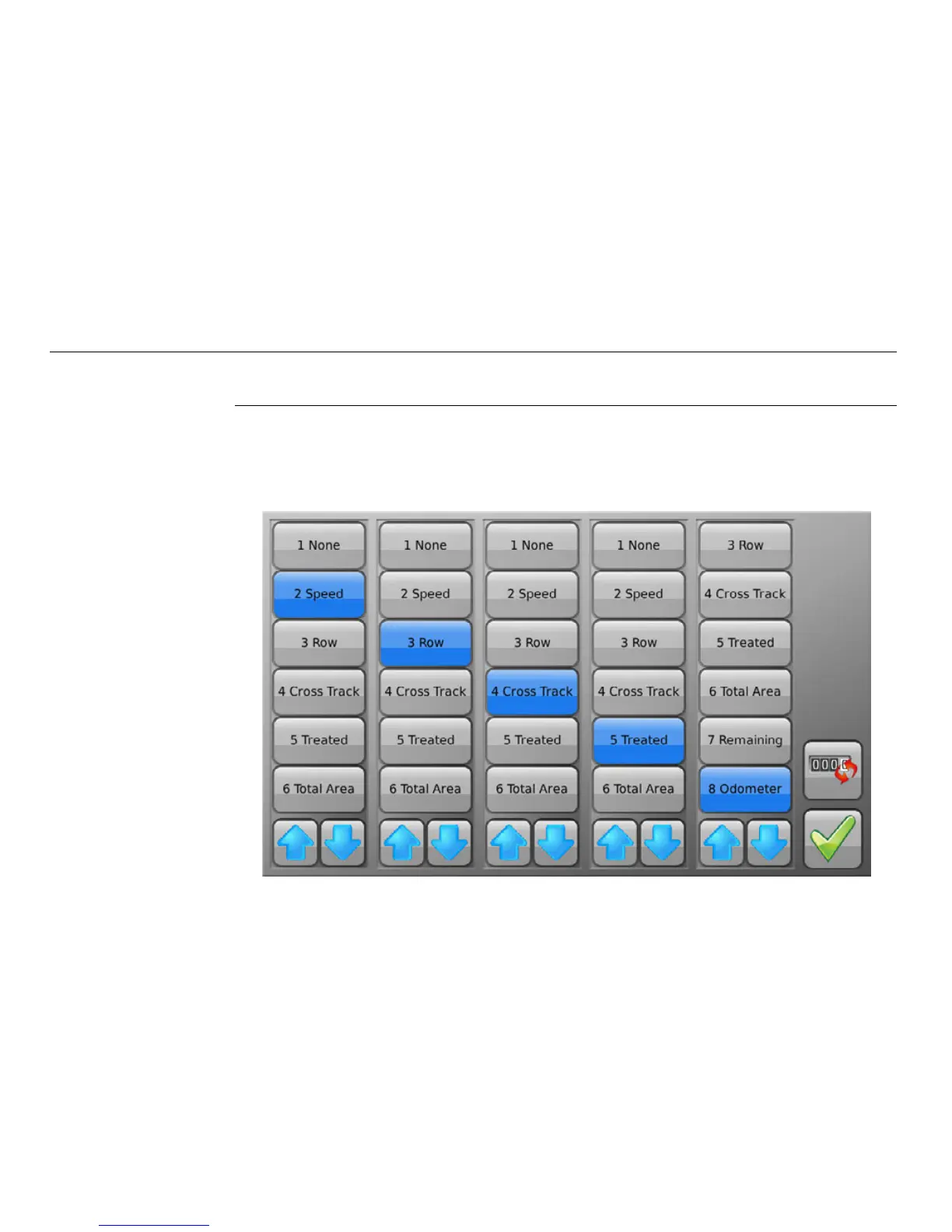
The items displayed at the left of the main navigation screen may be selected by the
user. To specify the items for display, carry out the following steps:
1. Tap any of the data items in the left-hand menu on the main navigation screen.
The Status item selection screen appears:



 To Next Page