Leica mojo3D, Running the mojo3D for the First Time 49
3.4 Menu Buttons at Right of Screen
Menu buttons at
right of screen
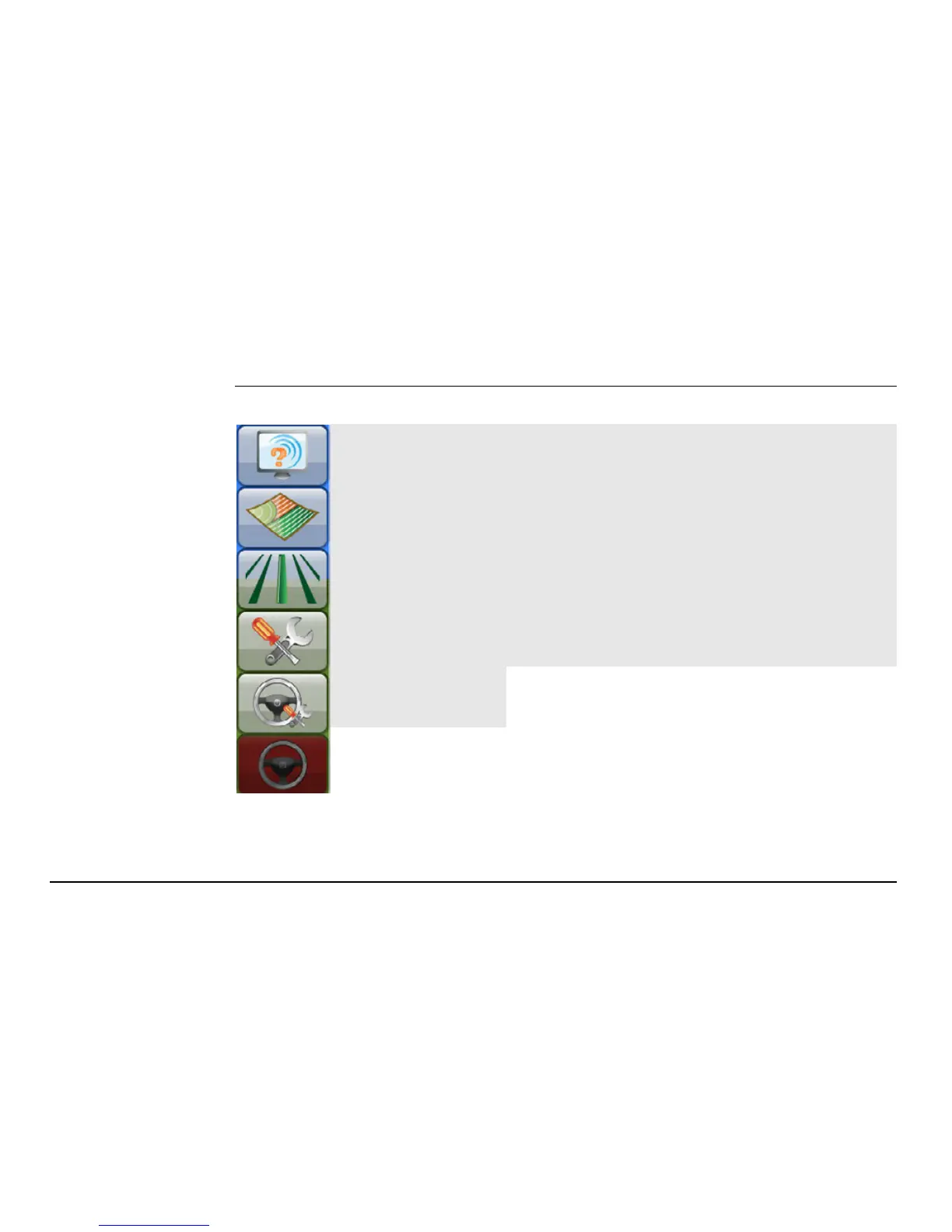
The menu buttons on the right of the main navigation screen are:
Service
Tap on these buttons to display a menu.
These menus are referred to as flyout menus.
An example of a flyout menu is shown on
page 50.
Mapping
Guidance
Settings
Auto-steer
Settings
If the mojo3D is being used without
additional auto-steer options, then
the Auto-steer Settings button and
the Auto-steer button will be disa-
bled.
Auto-steer



 To Next Page