218
Leica mojo3D, Correction Sources
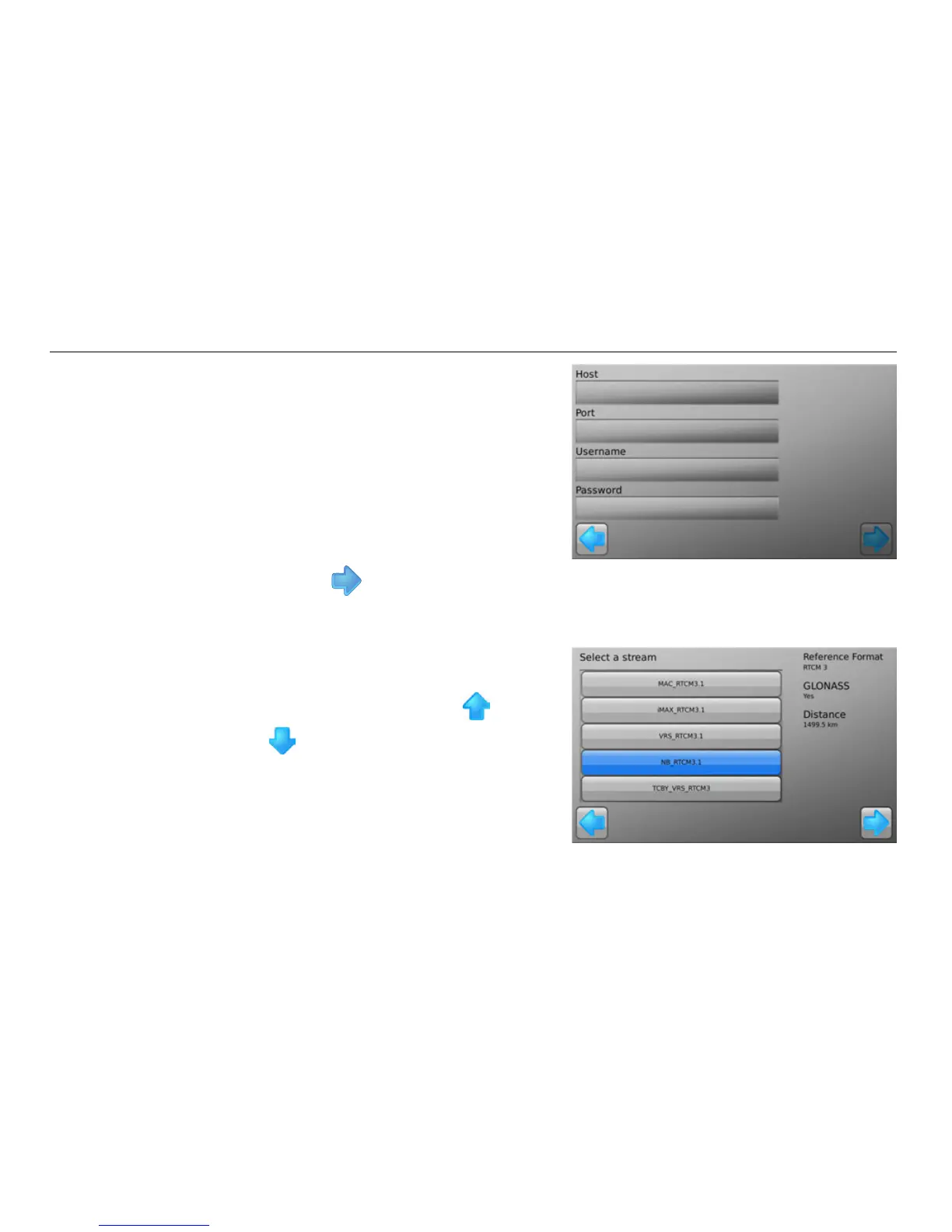
5. At the Network RTK settings screen,
tap in the Host, Port, Username and
Password fields and using the
keypads that appear, enter the data
provided by your Network RTK
Provider.
6. Tap the button.
The Select a stream screen appears.
A stream is a combination of correction format and base location.
7. The mojo3D downloads a list of
available data streams from the
network server. Use the and
buttons to scroll through the
list of available streams.



 To Next Page